

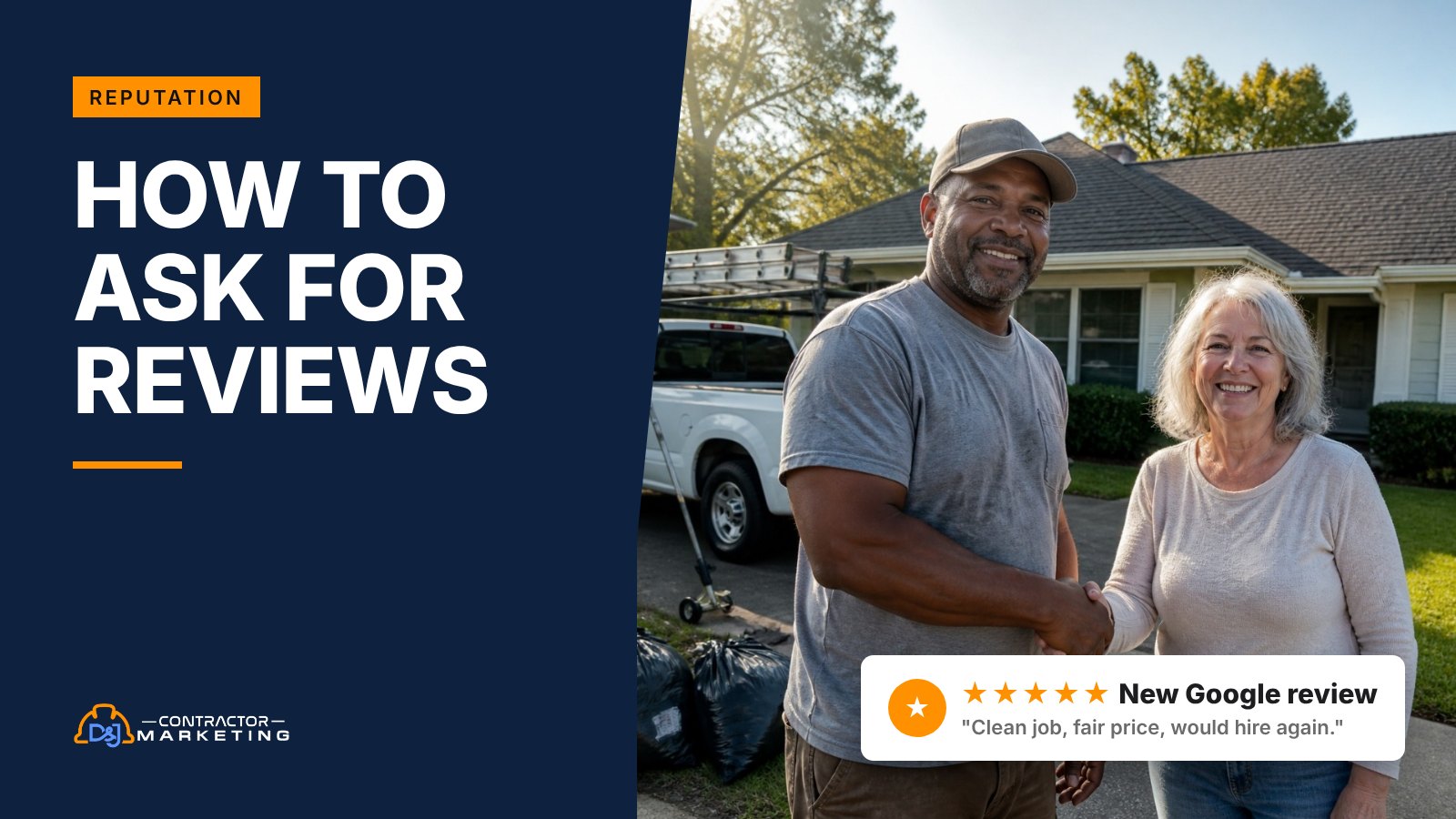
Your tech just got the heat back on and the homeowner is thanking him in the driveway. That’s the moment to ask for a review, and most crews let it go by. Knowing how to ask for reviews comes down to the words, the timing, and a few Google rules most shops don’t know exist, like no review quotas for techs and no asking customers to name the tech.
The short answer: ask every customer, in person, right after they see the finished job. Text them your Google review link the same day, send one reminder about three days later, and stop there. Ask for an honest review, never for five stars or a tech’s name, and don’t offer anything in return.
Key takeaways
- The whole system is five steps: link ready, ask at the walkthrough, text the link, one follow-up, ask everyone. The short version
- 83% of people who were asked for a review left one, per BrightLocal’s 2026 survey. Why asking works
- The right moment changes by trade, and on emergency calls the text waits until the next morning. Timing by trade
- Keep review texts under 160 characters, and one emoji or curly quote drops the limit to 70. Text templates
- Follow up once, about three days later, then stop. Follow-up cadence
- Google bans review quotas for staff and asking for reviews that name a tech. The rules
- The FTC allows some neutral incentives, but Google doesn’t allow any, so offer nothing. Google vs the FTC
- Track your ask rate and your review rate, and fix the ask rate first. Tracking
How to ask for reviews: the short version
- Get your link ready. Grab your Google review link once and save it in your phone, your CRM and your invoice template. Our free Google review link generator makes a short one in about a minute.
- Ask at the walkthrough. The person who did the work asks, face to face, while the customer is looking at the finished job.
- Send the link the same day. A short text with the link, sent the same day, unless the timing table below says to wait a day.
- Follow up once. One friendly reminder about three days later if they haven’t posted.
- Ask everyone. Every finished job gets the same request, not just the customers who smiled. Google and the FTC both say not to ask only the happy customers.
Why asking works better than hoping
Most happy customers never think to leave a review. They paid the invoice and went back to work. When someone does ask, most of them follow through.
In BrightLocal’s 2026 Local Consumer Review Survey, 83% of people who were asked to leave a review went on to leave one. And 28% said they’ll “always” write a review if asked, up from 16% the year before.
Don’t expect 83% from your own asks, though. That’s what people say in a survey, and survey answers run high. Plenty of customers mean to do it and never get around to it, which is why the follow-up matters.
The same survey found 78% of consumers were asked for a review in the past 12 months. Your customers are getting asked by their dentist, their oil change place and the pizza shop. A generic “leave us a review” email gets buried with the rest. A personal ask at the right moment doesn’t.
Two more numbers from that survey shape how we set this up for contractors:
- 47% won’t use a business with fewer than 20 reviews. If you’re a newer shop sitting at 9, getting past 20 is your first goal.
- 74% only care about reviews written in the last three months. A pile of reviews from 2023 doesn’t help you much. You need a steady flow.
Ten reviews a month for a year beats 120 in one week and then nothing. By month four, every one of those 120 is older than the three months people care about. It also helps your map ranking. Google says “more reviews and positive ratings can help your business’s local ranking.” We cover the rest of that in what moves you up on Google Maps.
When to ask for a review on each type of job
The best moment is the minute the customer sees the result. That moment looks different for a roofer than for a plumber.
The rule under all of it: ask after the work is done and checked, never before. The FTC’s guide for marketers says not to ask for reviews “from people who haven’t used or experienced the product or service.” We read that as: wait until the job is done. Asking at the deposit or halfway through a remodel also just feels off to people.
| Trade and job | Ask in person when | Send the text |
|---|---|---|
| Roofing replacement | Final walkthrough, after cleanup and the nail magnet sweep | Same evening |
| Roof repair or leak fix | When you show the before and after photos | Same day |
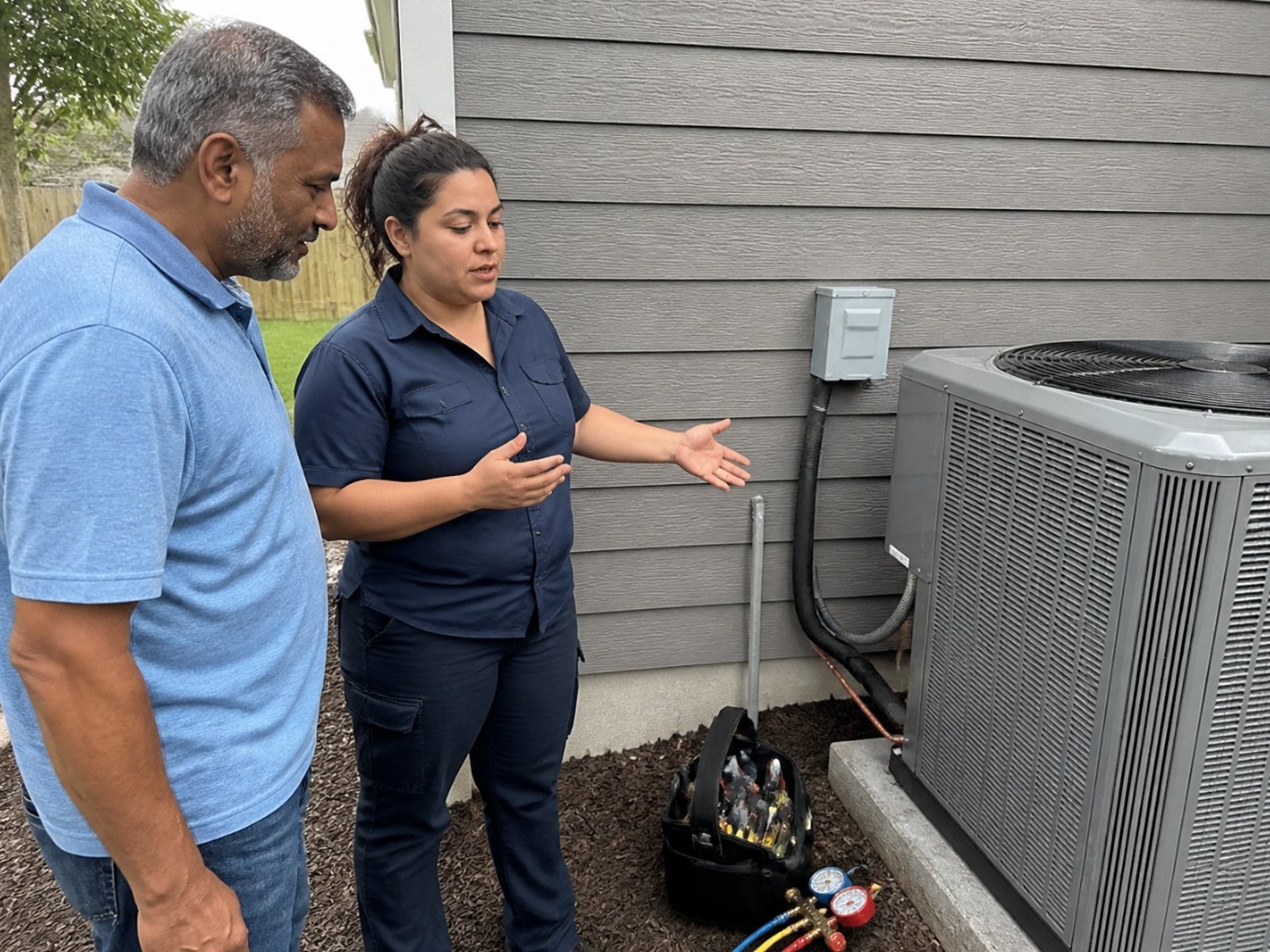
| HVAC repair | When the system is running and the house is cooling or heating again | Before you leave |
| HVAC install | After you walk them through the thermostat and filter | Next day, once they’ve lived with it a night |
| Emergency plumbing | When the water is back on and the mess is gone | Next morning (not at 2 a.m.) |
| Electrical | After you flip the breaker and show it works | Same day |
| Remodel or addition | At punch list sign-off | Same day, and a photo day visit about a week later can be the follow-up |
| Water or fire restoration | When drying is confirmed or the rebuild is handed over | A day later, after the stress drops |
| Lawn care or pest control | After the first visit they comment on | Same day, once |
A few notes on the trickier rows.
Emergency jobs need a delay. At 2 a.m. the customer is grateful and exhausted. Nobody wants a text at 2:40 a.m. asking for a favor. Send it the next morning with a line about the night before.
Restoration customers are stressed. They’re dealing with insurance, a torn-up kitchen and maybe a hotel stay. Asking on day one of a water loss is a bad look. Ask when you hand back a dry, safe house, and keep it gentle.
Big jobs get two chances. On a remodel or a full roof, some customers get more excited about a week later, when the neighbors notice. If they didn’t post after the first ask, a photo day visit (when you come back to shoot the finished job for your portfolio) or a “how’s it holding up?” call is a natural second moment. On those jobs, that visit replaces the day 3 reminder text. It’s still one ask plus one follow-up.
Recurring service is different. For lawn care, pest control or a maintenance plan, ask once early, after a visit they noticed. Then leave them alone. Asking every month turns your texts into noise.
Who should do the asking
The person the customer just watched do the work should ask. On most jobs that’s the tech or the crew lead, not the office.
The customer is grateful to a person. “Would you mind leaving us a review?” from the guy who just got the heat back on lands very differently than an email from noreply@.
Here’s how we’d split the jobs in a shop with a few trucks:
- Tech or crew lead: makes the in-person ask at the walkthrough. One sentence, then moves on.
- Office or software: sends the text with the link (delayed to the next morning for after-hours jobs) and the one follow-up.
- Owner: asks on the big tickets personally (a $40,000 remodel deserves a call from you), replies to every review, and checks the numbers monthly.
If you’re a one-truck shop, you’re all three. That’s fine. Ask in person, then send the text from your phone before you start the truck.
One warning: don’t tie bonuses to review counts. Google bans staff review quotas, and we cover that below.
What to say when you ask for a review in person
Keep it to one sentence about the job you just did. One sentence is plenty, as long as it sounds like you.
Pick one and say it your way. If it sounds read off a card, it won’t work.
When they pay you a compliment
They just handed you the ask.
“Thanks, that means a lot. Would you mind putting that in a Google review? I’ll text you the link so it only takes a minute.”
When they’re quiet but the job went well
Plenty of customers just nod and say “looks good.” That’s still a happy customer.
“We’re a local shop and most of our work comes from people reading reviews. If you’ve got a minute this week, an honest review would really help us. I’ll send you the link tonight.”
On the phone, after a remote fix or a follow-up call
“Glad that sorted it. Can I text you our Google review link? Even two lines about how it went helps the next homeowner pick us.”
When they say “sure, I’ll do it later”
That’s a yes. Don’t push for now. Make later easy instead.
“Perfect, no rush. I’ll text you the link so it’s sitting there when you have a minute.”
What not to say
These sound harmless. Some of them break Google’s rules.
- “Can you give us five stars?” Google’s review policy says merchants shouldn’t “request that specific content be included.” We treat a star count as specific content. Ask for an honest review and let them pick the stars.
- “Make sure you mention my name.” Google’s policy calls out staff asking for reviews with “content that identifies a staff member.” If the customer names your tech on their own, great. Just don’t ask for it.
- “Can you do it now while I’m here?” Google also says merchants shouldn’t “require or pressure users” to write reviews while on the premises. That line is written with a storefront in mind, but the same idea holds in a customer’s kitchen. Don’t stand over them while they type. Hand off the link and go.
- “Sorry to bother you, I know you’re busy, but…” This one breaks no rule. It’s just a weak ask. Apologizing makes it sound like a big favor. It isn’t.
Say “honest review.” It matches the rules and sounds less like a pitch.
Review request text templates that fit in one message
The text is where the review actually happens, because it puts the link in their hand. Aim for 160 characters or less, link included, so it lands as one clean message.
Why 160? Standard text messages are sent in segments. Twilio’s docs put one plain-text segment at 160 characters. Go over and the message gets split into segments of 153 characters each. That’s fine on most phones, but it costs more if you pay per segment through a texting tool.
One emoji, or one “curly” quote mark or apostrophe that a phone or word processor swaps in on its own, switches the whole message to a different encoding. Twilio says that drops the limit to 70 characters. That’s why none of the templates below use an apostrophe. Skip the smiley face too, and if your texting tool shows a character or segment count, check it before you save the template.
Count the link too. A Google review link looks something like https://g.page/r/CQx7abcDEF12345EAE/review, which is about 40 characters on its own. We’ve used that example below. Swap in yours and count again with your real names filled in. As written, each template below runs 137 to 141 characters with the example link, and about 145 to 149 with a name like Jennifer and a company name like Smith Heating and Air. If your company name is longer, shorten the thanks line.
1. Same-day text from the tech
Hi [First name], Mike from [Company]. Thanks for today. An honest Google review would help us: https://g.page/r/CQx7abcDEF12345EAE/review
2. Morning after an emergency call
Morning [First name], [Company] here. Hope all is back to normal. An honest Google review helps: https://g.page/r/CQx7abcDEF12345EAE/review
3. After a big job
[First name], [Company] here. Thanks for trusting us with the roof. An honest Google review helps: https://g.page/r/CQx7abcDEF12345EAE/review
4. From the office, when the job closes
Hi [First name], Jen at [Company]. Thanks for choosing us. Mind leaving an honest Google review? https://g.page/r/CQx7abcDEF12345EAE/review
5. The one follow-up
Hi [First name], [Company] here with a quick nudge on that review link. No pressure, and thanks: https://g.page/r/CQx7abcDEF12345EAE/review
Before you load these into your software, run through this quick check:
- 160 characters or less with real names and the full link filled in
- No emoji, and no curly quotes or apostrophes
- Your company name in the first line, so they know who it’s from
- The link goes straight to the review box, not your website
- Sent only to customers who gave you their number for the job
One more thing if you send from a texting tool or your field service software instead of your own phone. Those tools usually send from a regular 10-digit business number, and Twilio’s help center says that if you text US numbers from that kind of number, “you need to register for A2P 10DLC.” Twilio also says registering gets you “better deliverability and increased throughput.” Sort that out before you turn on automated review texts.
If your texting tool adds opt-out wording like “Reply STOP to opt out,” count that too. You may need to cut the thanks line to stay under 160.
Review request email templates
Email works best for bigger jobs and for customers who live in their inbox, like property managers. It also gives you room to say thanks properly.
We’d still lead with text for most homeowners. A text is hard to miss, and it keeps the link one tap away. Use email as the main ask when you don’t have a mobile number. On a large project, the email can be your one follow-up. Google’s own help page on review links suggests putting the link in thank-you emails and on receipts, so add it to your invoice email too.
Email 1: after a big project
Subject: Thanks from [Company], and one small favor
Hi [First name],
Thanks for trusting us with your [kitchen remodel]. [One real detail, like: the island came out great.] We hope the first week in the new kitchen has been a good one.
Most of our new customers find us by reading reviews from people like you. If you have five minutes this week, would you share an honest review on Google? This link takes you straight there: [review link]
If anything isn’t right, reply to this email or call me at [number] and we’ll make it right.
Thanks again,
[Your name], [Company]
Email 2: short version for service calls
Subject: Thanks from [Company], and a quick favor
Hi [First name], thanks for calling [Company] for your [water heater] today. We’d be grateful for an honest Google review of how it went. It takes about a minute: [review link]
Lots of templates online say “if we took good care of you, please leave a review.” We left that line out on purpose. It quietly tells unhappy customers the ask isn’t for them, and that’s the kind of filtering the rules frown on.
How to follow up without being a pest
One reminder is fine. Two starts to feel like a collections call. Every job gets one ask plus one follow-up. On big jobs, the photo day visit or the email is the follow-up, not an extra.
- Day 0: in-person ask, then the text with the link.
- Day 3: one follow-up text (template 5 above), or an email if you only have their email.
- After that: nothing. Mark them “asked” in your CRM and move on.
Why stop at two? Because the customer who ignored both asks isn’t going to write a glowing review on the third. You’ll just annoy someone who liked you. And a customer who liked you is still worth a lot as a referral, even without the review.
A few stop rules we build into every setup:
- If they already posted, cancel the follow-up. Nagging someone who already posted makes your system look like a robot.
- If they replied with a complaint, pull them out of the automation and call them. The review ask waits until the problem is handled.
- If they said “I’m not big on reviews,” respect it. Thank them and stop.
That middle rule is about timing, not filtering. Once you’ve fixed the problem, they get the same ask as everyone else. More on that in a minute.

The review rules most contractors break
Google, the FTC and Yelp each have rules on asking for reviews. They don’t match, and a lot of tech bonus plans break Google’s version without the owner knowing.
Google removes reviews that break its policy. And the FTC’s Consumer Reviews and Testimonials Rule, in effect since October 21, 2024, “authorizes courts to impose civil penalties for knowing violations.”
Here’s how the three rulebooks line up on the things contractors actually do:
| What the shop does | Google’s policy | FTC | Yelp |
|---|---|---|---|
| $25 off the next service for leaving any review | Not allowed. No incentives for “posting any review” | Allowed if not tied to a particular rating or sentiment, but the review should disclose the incentive | Not allowed. No freebies, discounts or payment for reviews |
| Gift card for a 5-star review | Not allowed | Not allowed. Incentives tied to a sentiment are banned | Not allowed |
| Only texting the review link to customers who seemed happy | Not allowed. No “selectively” asking for positive reviews | The FTC’s guide says don’t ask “only from customers you think will leave positive ones” | Don’t ask anyone |
| “Rate us 1 to 5” survey, and only 4s and 5s get the Google link | Not allowed. Same rule as above | Same FTC guidance | Don’t ask anyone |
| Your office manager or your cousin posts a review | Not allowed. Google removes conflict of interest reviews | The FTC’s guide says staff, family and friends need to disclose the connection in their reviews | Don’t ask friends or family either |
| Threatening to sue over a bad review | Not allowed. No discouraging negative reviews | Banned when the threat is unfounded | Don’t pressure, pay, bully or sue people over reviews |
Sources: Google Maps prohibited and restricted content policy, the FTC’s guide to soliciting and paying for online reviews, the FTC’s announcement of the final rule and Yelp’s dos and don’ts for business owners.
Look at that first row. The FTC is actually looser than Google on neutral incentives. If you only read the FTC rule, “$25 off for any review” looks fine. It still breaks Google’s rules, and Google is where your reviews live. So for Google reviews, offer nothing.
The Google rules that catch field crews
Google’s policy has a few lines that hit contractors harder than a store, because of how crews and comp plans work. Merchants shouldn’t:
- Ask staff to “solicit a certain number of reviews.” That’s your “five reviews a week” goal.
- Ask staff to collect reviews with “content that identifies a staff member.”
- “Request that specific content be included.”
All three tend to show up as a tech bonus, like a flat spiff for every review that names the tech. If you want to reward techs, reward the things they control: callbacks, clean job sites, completed paperwork. Keep review counts and names out of the bonus.
Ask every customer, the same way, for an honest review. Offer nothing for it. That one habit keeps you clear of the asking rules most shops break.
What about Yelp?
Yelp is the odd one out. Its business support page says flat out: “Don’t ask anyone to review your business, be it customers, mailing list subscribers, friends, family, etc.” It also says its software “may not recommend reviews that seem to be prompted or encouraged by the business.”
So don’t put a Yelp link in your review text. If Yelp matters in your market, Yelp’s own dos and don’ts page says you can display its branding and tell customers to “Find us on Yelp,” as long as you don’t ask for a review. Let those reviews come on their own. Point your actual asks at Google.
When the customer isn’t happy
Fix the problem first. Then ask them the same way you’d ask anyone else. Filtering out unhappy customers is one of the easiest ways to break both Google’s and the FTC’s rules.
Skipping them on purpose is the selective asking that both Google and the FTC warn against.
Here’s what we’d do instead:
- Call them, don’t text. “I heard the cleanup wasn’t what you expected. What can we do to fix it?”
- Fix it, and say when. Send someone back, credit the trip charge, whatever fits.
- Then send the normal request. Same text, same link, same “honest review” wording. No hints about what to write.
A review that says “they came back and fixed it” sells the next job better than another “great job.”
If a bad review does land, reply calmly and keep it short. Our guide on how to respond to Google reviews has replies you can adapt, and this one covers when a bad review can be removed (and when it can’t).
Asking past customers for reviews
You probably have hundreds of happy past customers who never left a review. You can ask them. Just don’t ask them all on the same afternoon.
Google’s policy lists “unusual volumes or patterns of review contributions” as a sign of rating manipulation. Fifty reviews in two days on a profile that usually gets two a month could easily look unusual, even if every one is real. We’d rather not find out how the filter reads it.
So spread it out:
- Pull a list of jobs from the last 12 to 18 months. Older than that, people forget the details.
- Start small. If you usually get 2 reviews a month, send about 3 asks a week at first. At a 20% review rate, that’s roughly 2 or 3 extra reviews a month. Add a few more asks each week after that. Google publishes no threshold for “unusual,” so this is our rule of thumb, not a Google number.
- Mention the job so they remember you: “We replaced your water heater back in March.”
- Send everyone on the list, not just the ones you remember as friendly. Same rule as above.
One snag you’ll hit with older customers: some of them don’t have a Google account. Google’s help page notes that customers “must be signed into a Google Account to leave a review,” and that they can set one up with a non-Gmail email address. Mention “you can sign in with any email” at the walkthrough or in a follow-up email, since it won’t fit in a 160-character text.
How to tell if your asks are working
Track two numbers: how many jobs you asked on, and how many reviews you got per ask. It tells you fast whether the problem is the asking or the words.
Here’s an example calculation. Say you’re an HVAC shop that closed 120 jobs last month. You asked on 90 of them and got 18 new Google reviews.
- Ask rate: 90 asked out of 120 jobs is 75%. A quarter of your jobs never got asked.
- Review rate: 18 reviews out of 90 asks is 20%.
Each number points to a different fix. A low ask rate is a habit problem: techs forgetting, or the text not firing when jobs close. A low review rate with a high ask rate is a message problem: the wording, the timing, or a link that goes to the wrong place.
Fix the ask rate first. Getting that HVAC shop from 90 asks to 115 at the same 20% review rate means about 23 reviews a month instead of 18, with no new words at all.
If your field service software can tag a job as “review requested,” use that. If it can’t, a tally on the dispatch board works. Check it once a month, the same day you look at your local SEO for contractors numbers.
FAQ: asking for reviews
Is it OK to ask for a 5-star review?
We wouldn’t. Google’s review policy says businesses shouldn’t request that specific content be included in a review, and we treat a star count as specific content. Ask for an honest review instead. Customers who had a good experience will pick the stars on their own, and you stay clear of the rules.
Can I offer a discount for leaving a review?
Not for Google reviews. Google doesn’t allow payment, discounts or free services in exchange for posting any review. The FTC rule is looser and allows incentives that aren’t tied to what the review says, as long as they’re disclosed. But your reviews live on Google, so Google’s rule is the one that counts.
Can my techs ask for reviews and get paid for them?
Techs can and should ask. Paying per review is where it goes wrong, because it usually turns into quotas and “mention my name” asks, and Google’s policy bans both. Keep review counts out of bonus plans and reward things techs control, like clean job sites and few callbacks.
How many times should I ask a customer for a review?
Once, plus one follow-up. Ask in person and text the link the same day, then send one reminder about three days later. On big jobs, a photo day visit about a week later can stand in for that reminder. If they still haven’t posted, mark them as asked and stop. They’re still worth a lot as referrals.
What if the customer doesn’t have a Google account?
They’ll need one. Google’s help page says customers must be signed into a Google Account to leave a review, and they can set one up with a non-Gmail email address. Mention “you can sign in with any email” at the walkthrough or in an email, so older customers don’t give up at the sign-in screen.
Should I ask for Yelp reviews too?
No. Yelp’s business support page says not to ask anyone for reviews, and its software may not recommend reviews that look prompted by the business. You can tell customers to find you on Yelp and show Yelp’s branding. Point your actual review asks at Google.
What to do this week
Most of this takes one office afternoon and one crew meeting. Here’s the order we’d do it in.
- Get your Google review link (in your Business Profile, Read Reviews, then Get more reviews) and save it everywhere. Google can also give you a QR code for invoices and leave-behind cards. Its help page says you have to create the code from a computer browser, not a phone. Customers scan it with their phones as usual.
- Pick one in-person line and one text template from this page. Put them in your phone and your software.
- Tell the crew: ask every customer at the walkthrough, and never ask for stars or names.
- Take review counts out of any bonus plan.
- Remove any survey step that only sends happy customers to Google.
- Start your first weekly batch of past customers.
- Write down this month’s ask rate and review rate, so you have a baseline.
For the bigger picture (how many reviews you need, replying, and what Google cares about), read our full guide to getting more Google reviews.
Want a second set of eyes on your Google Business Profile, reviews included? Start with our free local SEO audit.


