
Contractor website design that makes the phone ring
If your site gets visits but the phone doesn’t ring, the problem usually isn’t how it looks. Our contractor website design work starts with one question: when a homeowner lands on your site, how fast can they call you? We build sites for roofers, plumbers, HVAC shops, electricians, remodelers and restoration companies so a search turns into a call, a form or a booked job, and you can see how many.
A contractor website that gets calls puts a tap-to-call number on every phone screen, has a page for each service you want more of, shows real job photos and real reviews, loads fast on a phone, lists your license number where your state requires it, and tracks every call and form so you can see what it brings in.
Key takeaways
- Four of the urgent searches we pulled ran 58% to 65% mobile, while big planned jobs lean desktop (“roof replacement cost” is 30% mobile). “Electrician near me” splits about even, and restoration is mixed: “water damage repair near me” is 67% mobile, “water damage restoration” 26%. Two kinds of visitors
- Google’s speed targets are 2.5 seconds to load the main content, 200 milliseconds to respond to a tap, and a layout shift of 0.1 or less, for at least 3 out of 4 visits. What we build
- Build one strong page per service you want more of, not twenty town pages with the name swapped. Pages by trade
- California and Florida contractor rules, and a Texas rule for AC and refrigeration companies, require your license number in advertising. California’s board says that includes websites. License number rules
- Judge the site by calls, forms, booked jobs and cost per lead, not traffic alone. How we measure it
- Redirect every old URL at launch, and expect new pages to take months to rank. Process and timeline
- You should own the domain, Google profile and ad accounts, and have admin access to hosting, whoever builds the site. What to own
Your site has two jobs, and they happen on different screens
A homeowner whose AC quit in July is more likely to search on a phone. A couple planning a new roof is more likely to read on a laptop.
We pulled the US search numbers for ten trade searches from Ahrefs on October 22, 2026. Ahrefs estimates “emergency plumber” at 65% mobile and “plumber near me” at 63%. “Roof replacement cost” is the flip side: only 30% mobile. “HVAC installation” sits at 32%.

Urgent jobs tend to get searched on whatever is in someone’s hand, often while they’re standing in the mess. Big, planned jobs are more often researched on a laptop, where people compare more than one company.
Restoration is the odd one out, and worth knowing if that’s your trade. In the same Ahrefs pull, “water damage repair near me” is 67% mobile, “water damage restoration near me” splits about even at 48%, and “water damage restoration” is 26%. Even “emergency water removal” is just 17%.
Ahrefs can’t tell us who those desk searchers are. Some are likely property managers, adjusters and facility staff at work, not homeowners standing in water. So a restoration site needs a tap-to-call emergency page and a deep page on how the job and the insurance billing work.
So the phone visitor and the laptop visitor want different things from the same page:
- The phone visitor wants your number, proof you’re real, and proof you serve their area. They won’t read much. If the number isn’t a tap away, it’s easy for them to hit back and call the next listing.
- The laptop visitor wants to compare. They read your project pages, look at the photos, check reviews, and want to know how the job works from first visit to cleanup.
Google ranks you on your phone version. Its own docs say it uses the mobile version of a site’s content for indexing and ranking. If something only shows up on the desktop version, Google may not use it for ranking.
What we build into every contractor website
Here’s what goes into every site, whatever your trade.
A phone number you can tap on every screen
Your number sits at the top of every page on a phone, and it’s a real tap-to-call link, not a picture of a number. We add a call button that stays in reach as people scroll. Forms are short: name, phone, what’s going on, and the town. Each extra field is one more thing to type on a phone screen.
If you have someone answering 24/7, we say so near the number. If you don’t, we say when you call back. For example, a line like “We call back within an hour, 7 a.m. to 7 p.m.” gives people a reason to wait instead of calling the next listing.
A page for each service you want more of
One “Services” page with eight bullet points rarely ranks well for eight different searches. A roofer who wants more full replacements needs a roof replacement page that answers what replacement people ask: materials, how long it takes, what happens with insurance, and what the crew does to protect the yard.
We’d rather build eight strong service pages than forty thin ones. More on that in the pages by trade section.
Proof that’s real
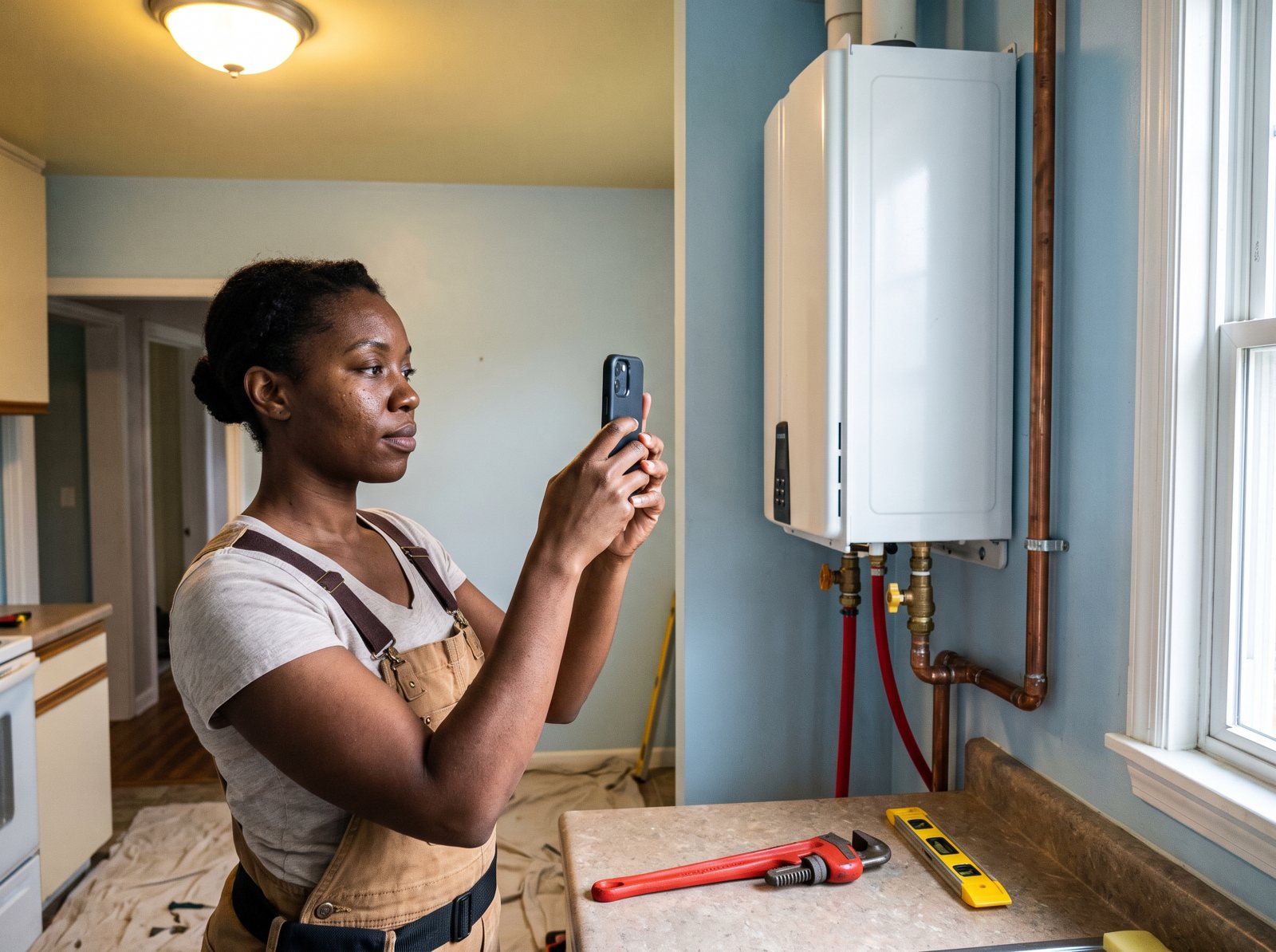
A phone shot of your crew on a real job beats any stock photo. We’ll tell you exactly what to shoot: the before, the crew working, the finished job, and the truck in the driveway.
Reviews go on the site too, but only real ones. The FTC’s 2024 rule bans fake reviews and testimonials, including AI-generated ones and reviews from people who never used the business. We show your Google rating and link to your real Google reviews, and help you get more of them. Our guide to getting more Google reviews has the texts we use.
Speed you can measure
Google’s Core Web Vitals give three targets. The main content should load within 2.5 seconds. A tap should get a response in 200 milliseconds or less. And the layout shouldn’t jump around while it loads (a layout shift score of 0.1 or less). Google measures these at the 75th percentile, so at least 3 out of 4 visits should hit them.
We build to hit those on a phone, then check them again after launch. That mostly comes down to smaller images, fewer plugins and no autoplay video at the top of the homepage.
Local details Google can read
Your business name, phone and service area should match your Google Business Profile. Google’s rules for profiles ask for a website that represents your individual business location, so the profile should link to your own site, not a redirect, a lead service page, or a social page that sends people somewhere else.
When you have an address customers can visit, we add LocalBusiness structured data, the code that tells Google your name, address, hours and phone. Google says you can add it to any page, though it may make more sense on a page about your business, so we use the homepage and contact page.
Run the business from home? Google asks service-area businesses to hide the address on the profile. If you’d rather not show your home address on the site either, we list the towns you serve instead. With no street address, we skip LocalBusiness markup, since Google lists an address as required for it.
Easy to read for everyone
Light gray text on white looks modern, and plenty of people can’t read it, especially on a phone in the sun. We follow the WCAG contrast rule of at least 4.5 to 1 for normal text. We also add alt text to photos and labels on forms, and make sure buttons work with a keyboard.
The ADA matters too. The Justice Department’s 2022 guidance explains how businesses open to the public can make their websites accessible under the ADA. Whether that covers your company is a question for your attorney. Contrast, alt text and form labels are cheap to add while we build and a pain to bolt on later.
Tracking from day one
Calls, form fills and booking clicks are tracked before launch, not “later.” If you can’t see which page a call came from, you can’t tell which pages to build next. The details are in the measurement section below.
The pages each trade needs
A roofer and a plumber shouldn’t get the same template with a new logo. The pages that bring calls depend on what people search for in your trade, and on which jobs you want more of.
This is the starting map we use, trimmed or expanded based on what you actually sell and where your margin is.
| Trade | Money pages | The page people forget | What the pages must show |
|---|---|---|---|
| Roofing | Roof replacement, roof repair, storm and hail damage, gutters | How insurance jobs work with you, and what you can and can’t do on a claim in your state | Materials you install, your warranty, real roofs you finished |
| Plumbing | Drain cleaning, water heaters, leak repair, sewer lines, emergency service | How you price a service call, so people know what to expect before you arrive | Hours, the towns you cover, whether you charge a trip fee |
| HVAC | AC repair, furnace repair, system replacement, heat pumps | Your maintenance plan | Brands you install, financing if you offer it, when to book AC and furnace tune-ups |
| Electrical | Panel upgrades, EV chargers, generators, lighting, repairs | Can my panel handle an EV charger or heat pump? What a load calculation is | License, permits you pull, what the inspection involves |
| Remodeling | Kitchens, baths, basements, additions | One page per finished project | Your process from design to cleanup, scope and photos of each job |
| Restoration | Water damage, fire and smoke, mold, storm | What to do in the first hour, and how billing with insurance works | A 24/7 number, crews and equipment at work |
Want the trade-by-trade SEO side of this? We go deeper on roofing SEO and plumber SEO, and cover the rest in SEO for home service companies.
Which searches each page should catch
Each page is built around a real search. Here are a few from our October 2026 Ahrefs pull. The numbers are Ahrefs estimates of average US searches per month.
| Search | US searches a month | What the person wants | Page that should catch it |
|---|---|---|---|
| plumber near me | 455,000 | Someone to come today | Homepage and emergency plumbing page |
| ac repair near me | 120,000 | A fix, fast | AC repair page |
| roof repair near me | 82,000 | A roofer who’ll come look | Roof repair page |
| kitchen remodel | 40,000 | Ideas, cost, who to trust | Kitchen remodeling page and project pages |
| roof replacement cost | 19,000 | A price range before calling | Roof replacement page with a cost section |
What about a page for every town?
Google’s spam rules name “pages targeted at specific regions or cities that funnel users to one page” as an example of doorway abuse. Google defines it as pages “created to rank for specific, similar search queries.” Twenty near-copies with only the town name swapped are the kind of pages that definition is aimed at.
What we do instead is simple. One solid “areas we serve” page. Then a separate town page only where you have something real to say, like a second shop or a lot of finished jobs there with photos.
License numbers and ad rules belong on the site
In some states your website counts as advertising, so your license number has to be on it. The fix is usually a line in your footer, plus your contact and ad landing pages.
Three examples, in the regulators’ own words:
| State and who it covers | What the rule says | Source |
|---|---|---|
| California, licensed contractors | Include the license number on “all commercial vehicles and advertisements. This includes online sales postings and websites.” CSLB says civil penalties “can range from $100 to $5,000.” | CSLB bulletin 20-21 (2020) |
| Florida, construction contractors (Chapter 489, Part I; electrical contractors fall under a separate part) | The number “shall appear in each offer of services, business proposal, bid, contract, or advertisement, regardless of medium, as defined by board rule …” | Florida Statutes 489.119(5)(b) |
| Texas, AC and refrigeration companies | “All advertising … designed to solicit air conditioning or refrigeration business must include the affiliated licensee’s license number.” | 16 Tex. Admin. Code 75.71(h) |
Rules differ by state and by trade, and some states don’t license every trade at the state level. Outside these three, your state’s contractor licensing board is the place to check. We ask during setup and look it up before launch.
Where it applies, we put the number in the footer of every page, on the contact page, and on any landing page you send ads to. Homeowners can look it up on the state board’s site before they let a crew in the house.
We also check that the business name on the site matches your license and your Google Business Profile. Google’s profile rules say your name should match your real-world name “as used consistently on your storefront, website, stationery, and as known to customers.”
How we measure a contractor website
A website is working when it brings calls, forms and booked jobs at a cost that makes sense. We report traffic and rankings, but we judge the site by calls and booked jobs.
Here’s what we track and how:
- Calls from the site. Call tracking shows which page and which source each call came from. For Google Ads, Google can swap in a forwarding number on your site for people who clicked an ad, so ad calls get counted on their own.
- Forms and booking clicks. Every form fill is logged with the page it came from. We also check that the emails actually reach you, because a form that sends to an old inbox loses jobs and nobody notices.
- Booked jobs. This part needs you. We match calls and forms against what your office booked, so we can say how many jobs the site produced, not just how many people reached out.
- Cost per lead. Add up what you spend on the site and the marketing that sends people to it, then divide by leads. That number tells you if it’s paying for itself.
Example calculation, with made-up numbers: say you’re a roofer who spends $1,000 a month on marketing in total, and it brings 25 real leads. That’s $40 a lead. If one in five turns into a signed job, each job cost you $200 in marketing. Run that math every month.
We’re careful with tracking numbers on your Google Business Profile. Google’s rules say the number must connect to your individual business location and be “under the direct control of the business.”
A profile can list your primary number plus up to two more. We don’t swap your profile’s primary number for a tracking number. Your main number stays primary there and in your listings. To see what the profile brings in, we read the call clicks and website clicks Google reports for it, and tag the profile’s website link so those visits show up on their own in your analytics.
On your site, a tracking number swaps in only for people who arrive from a tracked source, like an ad. Your main number stays in the page code, so search engines and directories see your main number.
If you run ads, the site matters there too. Google Ads rates landing page experience as one of three parts of Quality Score, along with expected clickthrough rate and ad relevance. Sending a “water heater replacement” ad to your homepage wastes that. Our Local Services Ads guide covers the other paid option most trades should know.
Speed gets checked with real visitor data, not just a lab test. PageSpeed Insights shows how real Chrome users experienced your pages over the previous 28 days. A brand-new page may not have enough visits to show that data yet, so we start with lab tests and switch over as visits build up.
Process and timeline
The work starts with planning and gathering your photos and job details, then the build and launch, then months of adding pages as rankings come in.
First: plan and gather
We look at what you have now: which pages get visits, which bring calls, and which old URLs have links pointing at them. Then we agree on the page map, the jobs you want more of, and the towns you really serve.
You send photos and answer questions about how each job works. Those answers become the service pages. Ten minutes on the phone about how you handle a leaking water heater beats anything a copywriter could guess, because you know which questions homeowners ask before they say yes.
Next: build and launch
We write and build the pages, set up tracking and test everything on real phones. Before launch, every old URL gets pointed to its closest new page with a redirect. Skip that step and you risk losing rankings your old site took years to earn.
After launch: track and add
We watch which pages bring calls and which searches show up, then add pages where the demand is. New pages take time to rank. Often months. Be wary of anyone who promises page one by a set date.
A new site with no rankings and no ads won’t get many calls, so we usually pair it with contractor SEO, reviews and ads.
What you should own, and what to ask any web designer
A common problem has nothing to do with design: an owner who can’t log in to their own domain.
Often a relative or an old agency registered the domain years ago under their own account. Now the agency’s gone, the card on file expired, and nobody can renew it. Whoever builds your site, make sure you hold these:
- The domain, registered in your company’s name, in a registrar account you can log in to.
- Admin access to the hosting and the website itself.
- Owner access to your Google Business Profile.
- Admin access to Google Analytics, Search Console and your Google Ads account.
- The original photos and the written content, in a folder you keep.
- The phone numbers used for call tracking, or a clear plan for what happens to them if you leave.
Then ask any designer, us included, these questions before you sign:
- If we part ways, what do I keep, and how do I get it?
- Which pages will you build, and which searches is each one for?
- Who writes the words, and how will you learn how my jobs work?
- How will I see calls and forms from the site each month?
- What happens to my old URLs at launch?
- What does it cost after launch, and what does that cover?
- Can I see live sites you built for contractors, and call one of those owners?
Vague answers on the first and fourth questions are the ones to worry about. If a designer won’t hand over logins or can’t show you call reports, keep looking.
Who builds your site
D&J does marketing for contractors and home service businesses. The website is one piece of what we run day to day, next to SEO, Google Ads, Local Services Ads, reviews and call tracking.
- We’re a Google Partner, a Meta Business Partner and a Yelp Partner.
- We’ve worked with 30+ SERVPRO franchises and have never lost a SERVPRO client.
- Calls that come in after hours can go to Restoral, our AI system that answers calls and chats and books jobs onto your calendar. It works with Google Calendar, Calendly, Cal.com, Jobber and most trade CRMs, and our team sets up the integration.
You can see the kind of work we do in our case studies.
Contractor website FAQ
How much does a contractor website cost?
Expect three kinds of cost: the build (pages and writing), monthly running costs (hosting, domain renewal, call tracking numbers, updates), and any marketing that sends people to the site. The build depends on how many pages you need and who writes them. A five-page site you write yourself and a forty-page site with service pages written from interviews are different projects. When you compare quotes, ask what each covers and what you own if you leave.
Should I use Wix or Squarespace, or hire someone?
A builder is fine for a new shop that needs something live this month. The tool matters less than the hours: real service pages, tracking and speed work take time most owners don’t have in peak season. If you build it yourself, make sure people can call with one tap, each main service has its own page, and the domain is in your name.
How long until a new site brings calls?
If people already find you, a clearer site with a tap-to-call number can change things soon after launch, because the same visitors have an easier path to call. New rankings are slower. New service pages often take months to climb, which is why we track calls and forms from day one and add pages as data comes in.
Do I need a page for every city I serve?
No. Google’s spam policies list pages aimed at specific cities that funnel visitors to one page as an example of doorway abuse. Use one good “areas we serve” page. Add a town page only when you have something real to show there, like an office or a set of finished jobs with photos.
Will a new website hurt my Google rankings?
It can if old pages disappear and nothing points to the new ones. Before launch, list every old URL, especially pages that get visits or have links, and redirect each to its closest new page. Keep your business name and number the same, and your address too if you show one, and fix anything that breaks in the first weeks after launch.
Who should own the domain and hosting?
You should. Register the domain in your company’s name, in an account you can log in to, and keep admin access to the hosting, Google Business Profile, Analytics, Search Console and Google Ads. Your designer can have their own login. If they won’t give you yours, find another designer.
What to do this week
You don’t need to rebuild anything this week to learn where your site stands. Five quick checks on your phone will tell you most of it:
- Open your site on your phone. Can you call with one tap from the top of the homepage?
- Search your best service plus your town. Does a page on your site match that search, or only the homepage?
- Run your homepage through PageSpeed Insights and look at the mobile numbers.
- Check the footer for your license number if your state requires it.
- Log in to your domain registrar. If you can’t, find out who can, today.
If two or more of those came up short, let’s talk. Our free local SEO audit checks 23 local SEO factors on your site in about 30 seconds, including mobile, speed and calls. Or get in touch about a new site.


