

Construction website design for GCs and builders
A construction company website has more than one buyer. A homeowner wants to know you can handle their addition. A building owner wants to know you can carry a $4 million fit-out. A carpenter wants to know if you’re hiring. Your site has to send each of them to a different page in one click.
We build construction websites for general contractors, builders, remodelers and design-build firms. Below is the page map we start from, five example pages (a homepage, a project, a qualifications page, an addition page and a careers page), what owners look for before they invite you to bid, and the license rules that apply to your site in some states.
The short answer: a construction website that wins work has a separate path for each kind of visitor. Homeowners get service pages and project write-ups. Commercial buyers get sectors, project details and a qualifications page. Job seekers get a careers page that works on a phone. Add your license number on every page, photos that load fast, and tracking that counts calls, bid invites and applications.
Key takeaways
- Ahrefs puts “commercial general contractor” searches at 9% phones and “construction jobs near me” at 88%, so each part of the site needs testing on a different screen. Who searches, and where
- Start from a page map built around the work you chase, and send each visitor through one of three doors on the homepage. The page map
- Give every finished job its own page with size, schedule, delivery method, your role and photos from during the build. Project pages
- Use the AIA A305 qualification form as your checklist for a commercial qualifications page, and handle your EMR with care. Qualifications page
- ABC says construction needs about 349,000 net new workers in 2026, so build a careers page a thumb can finish and keep expired jobs off Google. Careers page
- California and Florida require your license number in ads, websites included, and California bars saying you’re bonded. License rules
- We judge a construction site by calls, consults, bid invites and applications, not page views. How we measure it
Three audiences, three screens
Who’s looking for a builder changes the device they use. Ahrefs estimates that only 9% of searches for “commercial general contractor” happen on a phone. “Construction jobs near me” is 88% phones. Homeowners land in between, so your site has to read well on both.
Here’s what people type when they’re looking for the kind of company you run, and the page on your site that should catch each search:
| Search (US) | Searches a month | Share on phones | Page that catches it |
|---|---|---|---|
| construction jobs near me | 28,000 | 88% | Careers, one page per opening |
| general contractor near me | 18,000 | 38% | Homepage and services |
| construction companies near me | 18,000 | 61% | Homepage |
| home builders near me | 15,000 | 66% | Custom homes page |
| custom home builders near me | 7,900 | 34% | Custom homes page |
| remodeling contractors near me | 5,700 | 43% | Remodeling page |
| home addition contractors | 5,300 | 32% | Additions page |
| commercial general contractor | 3,300 | 9% | Commercial page and qualifications |
| design build firms near me | 1,600 | 41% | Design-build process page |
| tenant improvement contractors | 400 | 24% | Tenant improvement page |

The numbers split three ways.
- Commercial buyers mostly search at a desk, at least in these searches. A facility manager or an architect is often comparing you to other GCs on a work computer. They want project lists, sectors and paperwork, and they’ll read it.
- Homeowners split. “Home builders near me” is two thirds phones, but “home addition contractors” is mostly desktop. Plan for those addition shoppers to read the whole page.
- Job seekers are on phones. Almost nine in ten. If your careers page needs a résumé upload from a laptop, many of them will give up.
That’s why we don’t build one homepage for “everyone.” We build a site with three clear doors, and we test each door on the screen its visitors use.
The pages a construction website needs
The pages you need depend on the work you chase. A remodeler, a custom builder and a commercial GC share a few pages, but each one needs some the others can skip. This is the map we start from, before we cut it down to fit your company:
| Page | Residential GC or remodeler | Custom home builder | Commercial GC | Design-build firm |
|---|---|---|---|---|
| One page per service you sell | Yes | Yes | Yes, by sector | Yes |
| Project pages (one per job) | Yes | Yes | Yes | Yes |
| Process page | Yes | Yes | Short | Yes, the main one |
| Qualifications page | Skip | Skip | Yes | If you do commercial |
| Careers | Yes | Yes | Yes | Yes |
| Subcontractor sign-up | If you sub out a lot | Yes | Yes | Yes |
| Lots, plans or “build on your lot” | Skip | Yes | Skip | Skip |
| Team with real names and photos | Yes | Yes | Yes, with roles | Yes, designers too |
Two pages we leave off most construction sites: a blog nobody has posted to in years, and a stock photo “About” page with no real people on it. Both tell a buyer nobody’s minding the store.
The homepage sends each visitor the right way
The top of the homepage has one job: tell people what you build, where, and which way to go. We use one plain line of what you do, then three doors:
- “Planning a home project?” goes to additions, remodels or custom homes.
- “Commercial project?” goes to sectors, projects and qualifications.
- “Want to work with us?” goes to careers and the sub sign-up.
A headline like “Building dreams since 1998” doesn’t help anyone pick a door. “General contractor for additions, remodels and light commercial in Fairfield County” does. Put your phone number, your license number and your service area where nobody has to hunt for them.
If you only do one kind of work, you don’t need three doors. A custom builder who never touches commercial should skip that lane and say so. Buyers trust a builder who says what they don’t do.
Project pages that do the selling
A gallery of nice photos doesn’t tell a buyer much. A buyer can’t tell what you did, how big it was, or if it finished on time. A project page answers those questions one job at a time.
It also gives Google something to rank. A page called “Two-story addition in Darien” can show up for addition searches in that town. A photo in a gallery grid can’t.
What goes on every project page
We use the same short set of fields for every job, so buyers can compare and your office can fill them in fast:
- Name and place: what it is and the town. “Medical office fit-out, Norwalk” beats “Project 14.”
- Type and size: new build, addition, renovation or fit-out, with square feet.
- How it was delivered: hard bid, negotiated, design-build or construction manager. Commercial buyers check this early.
- Schedule: start and finish month. If the building stayed open during work, say so.
- The hard part: two or three sentences on the problem you solved. Bad soil, a tight lot, a hospital that couldn’t shut down.
- Your role: GC, design-builder, or the trade you did as a sub.
- Photos: before, during and after. The during shots show how you work.
- The team, with permission: owner, architect or engineer, and a quote from one of them if they’ll give it.
Leave out what you can’t share. Plenty of owners don’t want their budget online, and that’s fine. A size and a schedule tell a buyer most of what a dollar figure would.
Photos, drone shots and permission
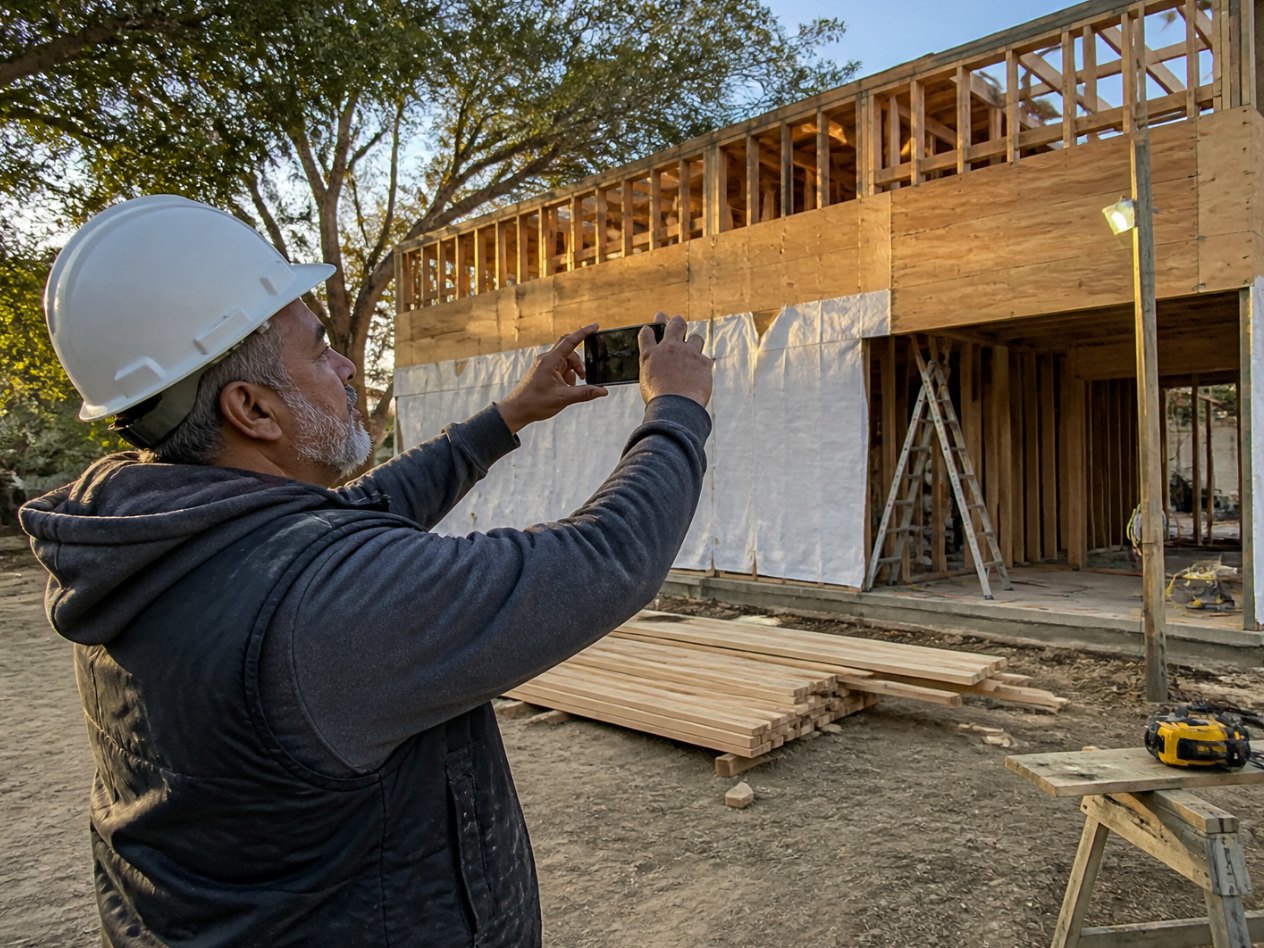
Phone photos from the site are fine if they’re sharp and the site looks clean. Ask your super to grab the same corner each week. Lined up, those shots show the job coming together.
Drone shots sell big jobs, but there’s a rule. Flying a small drone for business falls under the FAA’s Part 107, and the pilot needs a Remote Pilot Certificate. That means passing the FAA knowledge test. If nobody on your team has one, hire a certified pilot for the finished-job shots.
Two permission checks before a project goes live. Get the owner’s okay to name them or show the inside of their building. And if you were a sub on the job, say what your part was. Calling someone else’s building “our project” is the fastest way to lose a GC’s trust.
Name the town, the size and the months. Then show the mess in the middle.
A qualifications page for commercial work
Before a building owner puts you on a bid list, someone checks you out. One standard form for this is the AIA A305 Contractor’s Qualification Statement. If your site already answers the easy parts, you look ready before they even ask.
The A305 is a sworn, notarized statement. AIA describes it as a one-page document with up to five optional exhibits, covering general, financial, project-specific and past project details. The general exhibit asks for things like your full legal name, prior names, legal status, what your company can do, and references. That’s a good checklist for a public page.
Not everything belongs online, though. Here’s how we split it:
| Item | On the page | Sent on request |
|---|---|---|
| Legal name, years in business, license numbers | Yes | |
| Sectors, project size range, delivery methods | Yes | |
| Past projects with size and schedule | Yes, linked to project pages | |
| Safety program summary and training | Yes, in plain words | Full safety manual |
| EMR (experience mod) | Your call, with context | Rating worksheet or insurer’s letter |
| Insurance certificate | Say it’s available | Yes |
| Financial statements and surety details | No | Yes |
| References | A few, with permission | Full list |
Add a button that says “Request our qualification package.” It should go to a short form that asks for the project name, the owner and the bid date. Those three fields tell your estimator right away if it’s worth chasing.
Should you post your EMR?
Your EMR, or experience mod, is a number your insurer multiplies your base workers’ comp premium by. Under NCCI’s rating rules, 1.00 is the neutral mark. Under 1.00 is a credit, and over 1.00 is a debit. Some states set mods through their own bureau instead. California’s is the WCIRB, with its own rating plan, so ask your broker which bureau set yours.
NCCI notes that contractors bidding on projects are still asked for it. But NCCI also says it’s not appropriate to use it to compare how safe two employers are. It also notes that in some states, a contractor with a mod over 1.00 might be ineligible for the job.
So if yours is under 1.00, post it with the year. A small company’s mod can jump after one claim, so date it and be ready to explain it. If it isn’t, leave it off the page, send it with your package, and explain it there.
Small shops get one more question: “Send your OSHA logs.” If you had 10 or fewer employees at all times last year, OSHA’s rule says you don’t need to keep injury and illness records, unless OSHA or BLS tells you in writing that you must. Say that plainly on the form instead of leaving the box blank. You still have to report any work death, in-patient hospital stay, amputation or loss of an eye to OSHA.
Residential pages that book the right consults
Your addition, remodel and custom home pages should answer what they’d ask at the first meeting. Then the people who reach out already fit your work.
Each of those pages gets the same bones:
- What you build, in plain words. “Second-story additions, bump-outs and in-law suites,” not “residential solutions.”
- What moves the price. Foundation work, structural changes, finish level, permits and how much of the house stays livable. You don’t need a price list to be useful.
- How the job runs, from first visit to final walk-through, with who they’ll talk to at each step.
- Three or four project pages of the same kind of work, linked right there.
- A consult form with a few smart questions.
The form is where most residential sites go wrong. A bare “name, email, message” box gets you a pile of tire kickers. So we add three questions: what kind of project, when they hope to start, and a budget range they pick from a list. People who pick a range below your floor can get a polite note and a link to a smaller contractor. Your estimator stops driving to $15,000 jobs when you only take $150,000 ones.
Design-build firms need one more page: the process. Lay out each phase. Then say what the client gets at the end of each one, what it costs them to walk away, and when they sign the building contract. Clients are picking your process as much as your price. Custom builders should also look at our notes on SEO for home builders, since lots, plans and model homes need their own pages.
A careers page that brings in crew
For a lot of GCs, the website’s biggest job right now is hiring. Associated Builders and Contractors estimates the industry needs to attract about 349,000 net new workers in 2026. The people you want are looking on their phones, often on a break or in the truck.
That 88% phone share for “construction jobs near me” should shape the whole page. Here’s what we put on it:
- One page per opening. “Carpenter, residential additions” with the pay range if you’ll share it, the hours, the tools you supply, and where the jobs are.
- A form a thumb can finish. Name, phone, trade, years of experience, and licenses or certifications. Make the résumé optional. You can get it later.
- Real photos of your crew on real sites, not stock hard hats.
- What a first week looks like, and who they’ll report to.
- A text or call option for people who’d rather talk than type.
Job posting code on each opening’s page makes it eligible to show up in Google’s job search results. Two of Google’s rules trip people up.
First, the code goes on the page for that one job, not on a list of all your jobs. Second, expired jobs aren’t allowed. Take the page down when the job is filled, or set the end date in the code to a date that’s passed. Your office should be able to close a job without calling your web person.
A sign-up page for subs and suppliers
If you bid work, you need a deep bench of subs. A simple sign-up form helps: company name, trade, license number, the counties they cover, project size they’re comfortable with, and an insurance contact. Put the answers straight into your bid list, so your estimator isn’t digging through old emails the week a bid is due.
License numbers and the word “bonded”
Some states spell out what your ads must say, and your website counts as an ad. California and Florida both want your license number on it. California also bans a word that shows up on a lot of contractor sites: “bonded.”
California. Business and Professions Code 7030.5 says every licensed contractor must put the license number on all construction contracts, subcontracts and calls for bid, and all forms of advertising. The state license board’s advertising guide lists “any website or post that solicits business on the Internet” as advertising.
The same guide says the law stops you from telling the public, in ads or in a pitch, that you’re bonded. The board’s reason: it could lead people to think bonding protects them more than it really does. So “Licensed, bonded and insured” in a California footer is a problem. “Licensed and insured, CSLB #000000” (with your real number) avoids that problem, as long as both parts are true.
The guide also says licensed “A” General Engineering and “B” General Building contractors can advertise as general contractors. If you only hold a C specialty license there, don’t call yourself a GC in your ads.
Florida. Florida Statutes 489.119(5)(b) says the contractor’s registration or certification number must appear in each offer of services, business proposal, bid, contract or advertisement, regardless of medium.
Everywhere else, check your state board before launch. Rules differ from state to state. When we build a site, the license number goes in the footer of every page and on every quote form. If you hold licenses in more than one state, list each one with its state, and link it to the state’s lookup page so a buyer can check it in ten seconds.
Speed, schema and your Google profile
Construction sites are heavy on photos, and big photos make slow pages. A drone shot straight off the camera can be bigger than the rest of the page put together. We fix that first.
One of Google’s Core Web Vitals is Largest Contentful Paint, or how long the biggest image or block of text on screen takes to show up. On most construction homepages, that’s the big top photo. A good score is 2.5 seconds or less, and over 4 seconds is poor.
Our routine: resize every photo to the size it’s shown at, save photos as WebP or AVIF, and lazy-load the photos lower on the page. Never lazy-load the top photo itself, because that slows LCP down.
Next, tell Google what you are in code it can read. Schema.org has a GeneralContractor type that sits under home and construction businesses. We use it on the homepage with your name, address, phone, service area and license, and we use matching details on your Google Business Profile.
Commercial buyers check it too. A facility manager who hears your name may look you up on Google Maps before they ever open your site. Our Google Business Profile setup guide covers the categories and photos. Our local SEO steps cover the rest, in the order we do them.
How we measure a construction website
We judge a construction website by the work it brings in, not page views. These are the numbers we track and report on:
- Calls, through tracking numbers, split by the page or ad that drove them.
- Consult requests from homeowners, sorted by project type and budget range.
- Commercial inquiries, including qualification package requests and invites to bid.
- Job applications by trade, and sub sign-ups.
- Which project pages people read before they reached out.
Watch that last one closest. If most of your commercial leads read the same two project pages first, you know which jobs to write up next and which photos to put on the homepage. If your CRM can tie leads to signed jobs, you can also see which pages bring in the work you want more of.
How a construction website build runs
Most of a construction website build is gathering the real stuff: projects, photos, sizes, dates and permissions. The design goes fast once that’s in hand. Here’s how we run it.
Step 1: Learn what work you want
We start with your last two years of jobs. Which ones made money, which ones you’d never take again, and which kind of work you want more of. The site gets built around the first and third lists. The second list tells us what to leave off.
Step 2: Gather projects and proof
We pick six to ten projects to write up, using the fields from the project page section. Then we collect photos and ask owners and architects for permission to name them. If a job is still underway, your super can shoot progress photos for it as you go. We also gather license numbers, safety program details and the facts for your qualifications page.
Step 3: Build, test and launch
We build the pages, then test every form, phone link and job page on a phone and a desktop. If you have an old site, we redirect its pages to the new ones so the Google rankings you’ve earned have the best chance of carrying over.
Step 4: Add a project every month
After launch, the best thing you can do is keep adding finished jobs. One a month is plenty. It gives Google new pages to rank, and it gives your sales team something new to send.
Why D&J for your construction website
We do marketing for contractors and home service businesses. We’re a Google Partner, a Meta Business Partner and a Yelp Partner, based in Stamford, Connecticut.
A website is one piece of what we do. We also run contractor SEO, Google Ads, reviews and call tracking, so the site gets traffic and you can see what it brings in. If you want to see our other work for the trades, start with our contractor website design page or our case studies.
Construction website design FAQ
How much does a construction website cost?
The price follows the work. The big drivers are how many project pages we write, whether you need both a residential and a commercial lane, how much photo work there is, and what we hook up, like a careers system, your CRM or call tracking. A five-page remodeler site and a GC site with 20 project write-ups are very different builds. Ask any web designer for a range once they know your page count and how many projects they’ll write up.
How long does it take to build?
Plan on weeks, not days. Most of that time goes to collecting project details: sizes, dates, photos and owner permissions. We ask for those on day one and start writing the first projects while the rest come in, so one missing photo doesn’t hold up launch.
Do I need separate websites for residential and commercial?
Usually not. One site with two clear lanes keeps your name, reviews and Google rankings in one place. A second site makes sense only when the two sides run as separate businesses with their own names and crews. Even then, link the two so buyers can see the whole company.
Can I show projects I worked on as a subcontractor?
Yes, if you’re honest about your part. Title the page with what you did, like “Framing and drywall for a 40-unit apartment building,” and name the GC if they’re fine with it. Buyers respect a clear scope. They don’t respect finding out you were one of 30 trades on a job you called yours.
Is Wix or Squarespace good enough for a construction company?
For a small residential builder, it can be. The tool matters less than what’s on the pages. It gets harder when you need job posting code on each opening, a qualification request form routed to your estimator, and tracking tied to your CRM. Those are easier to set up on WordPress.
Should I show project budgets on my site?
Only with the owner’s okay. A lot of owners don’t want their costs online, and a budget from three years ago can make you look too cheap or too expensive today. The size and schedule on your project pages do most of that work. For homeowners, a “projects like this usually start around” line can help, if you’ll stand behind it.
What to do this week
You don’t need a new site to start. Here’s what you can do in a few hours:
- Pick your three best jobs from the last two years and write each one up with the fields from the project page list.
- Check your footer. Is your license number there, for every state you work in? In California, is the word “bonded” anywhere on the site?
- Open your careers page on your phone and try to apply. If you give up, so do the people you want to hire.
- Ask one commercial client what they check before they invite a GC to bid. Put the answer on your site.
If you’d like a hand, we’ll look at your current site and tell you what we’d change first. You can also start with a construction marketing plan and see where the website fits.


