

Google Guaranteed is gone. If your Google Guaranteed badge changed last fall, here’s what replaced it, what you’ll pay and what your trade has to pass. We built this from Google’s own help pages, checked in October 2026.
The short answer: Google Guaranteed was replaced by Google Verified in October 2025. To get it, sign up for Local Services Ads and pass the screening for your trade: Business Profile, business registration, ID, background checks, insurance and licenses. Google says it takes 3 to 4 weeks on average. Google doesn’t charge for the background checks. You pay for each valid lead.
Key takeaways
- Google Guaranteed, Google Screened and License Verified were replaced by one Google Verified badge in October 2025. What happened
- The customer refund is gone. Google set December 7, 2025 as the cutoff for Money Back Guarantee claims. Old badges compared
- The checks you pass count toward profile quality, but Google said the badge switch alone wouldn’t change ad rankings. What the badge does
- You pay for each valid lead, including missed calls during business hours when the caller waits more than 20 seconds. What it costs
- HVAC, plumbing and electrical are “urgent” trades, so plan on your field crew being checked too. Checks by trade
- Names must match exactly on every document, or your application stalls. Step by step
- Fail a background check and you wait 30 days to reapply, then 180 days after a second denial. Why it stalls
What happened to Google Guaranteed
Google Guaranteed doesn’t exist anymore. Google folded it, Google Screened and License Verified by Google into one badge called Google Verified. If you had the old badge, you didn’t lose your ads. You lost the money back promise that came with it.
Google announced the change on August 20, 2025 and said the new badge would replace the old ones and the Money Back Guarantee starting in October. LSA is short for Local Services Ads, the ads with a call button that Google shows near the top of searches like “water heater repair.”
How it played out:
- August 20, 2025: Google announces one badge for all Local Services Ads.
- October 2025: Google Verified takes over. If you’d already passed your checks, you got the new badge without lifting a finger.
- December 7, 2025: Google’s last date for Money Back Guarantee refunds on jobs booked through its ads. Each claim had to come within 30 days of the job being done. Either way, that window is closed now.
The last two dates come from Google’s Google Verified badge help page. If a homeowner asks you today whether Google will refund them for a bad job, the answer is no.
What you apply for now is mostly the same screening as before. One twist: some US shops get a faster path called accelerated verification. We’ll get to that.
Google Guaranteed vs Google Screened vs Google Verified
Home service pros got Google Guaranteed. Professional services got Google Screened. Only Guaranteed ever came with a refund for the customer if a job went bad. Now every home service pro who passes gets the same check mark.
| Badge | Who had it | Refund for the customer? | Status today |
|---|---|---|---|
| Google Guaranteed | Home service pros like plumbers and electricians | Yes, the Money Back Guarantee | Retired in October 2025 |
| Google Screened | Professional services, such as real estate agents | No | Retired in October 2025 |
| License Verified by Google | Some licensed pros | No | Retired in October 2025 |
| Google Verified | Local Services Ads advertisers who pass the checks for their trade (not auto, beauty or dining) | No | The only badge now |
Google’s old Google Guarantee article described the badge as screening for a pro “such as an electrician or plumber,” backed by a money back guarantee. Google’s US requirements page still mentions real estate agents who held the Google Screened badge.
Our take: the refund was the part homeowners cared about. With it gone, the badge just means Google checked you out. It won’t make a homeowner pick you over the next verified plumber in the list. Stars, review count and how fast you pick up do that.
What the Google Verified badge does (and doesn’t) for you
The badge tells a homeowner you cleared Google’s checks. It also puts your ad above shops still running pre-badge ads. What it won’t do is carry a weak profile to the top.
Here’s what you get:
- Your checks on display. Your profile shows the badge plus the checks you passed, like your license. That’s from Google’s getting started page.
- A bump in profile quality. Google’s ad ranking page counts the checks you’ve completed, along with your stars, review count, response time and photos. Better profiles may rank higher and pay less per lead.
- A better spot than pre-badge ads. You can sometimes run ads while you finish onboarding, but Google puts those below shops that have the badge.
And what you don’t:
- No ranking jump from the name change. Google’s badge help page said the switch wouldn’t affect Local Services Ads ranking.
- No refund for anyone. That ended with the old badge.
- No cover for slow phones. Google warns that if you regularly miss calls or messages, your ad ranking may take a hit.
In our experience, a thin review count or a phone that goes to voicemail at lunch hurts you more than the badge helps. Your bid, your reviews and how fast you pick up all play into where you show. Our guide to getting more Google reviews covers the reviews part.
What Google Guaranteed costs now (the badge vs the leads)
Google doesn’t sell the badge, and it doesn’t charge for the background checks. You pay for leads, including some calls you never answered.
The free background check is spelled out on Google’s screening page. The bill comes from the ads. Google’s page on how leads work says you’re charged for each valid lead, and the price moves with your location, the job type, the kind of lead and your bidding mode.
When you get charged, based on that page and Google’s lead credit page:
| What happens | Do you pay? |
|---|---|
| You answer the call, or call back and talk to the customer | Yes, if Google counts it as a valid lead |
| You miss a call during business hours and they stay on the line more than 20 seconds | Yes |
| Your phone menu asks callers to press a key, and they never press one | No. The 20 second clock only starts once they press a key |
| They text, email, leave a voicemail or book through the ad | Yes, if it’s a valid lead |
| Same customer contacts you again within 15 days from the same number or email | No, it’s the same lead |
| Caller wants a job you don’t do, or lives outside your area | You may still pay. Google no longer gives credits for those two reasons |
Google’s systems credit some low-quality leads on their own. When they do, the credit usually lands within 30 days, per its lead credit page. You can rate each lead in a feedback survey too. The how leads work page says Google “may also occasionally credit” leads you report. Occasionally isn’t a plan. Keep your service list and service area tight from day one.
Missed calls cost you twice. You pay for the lead, and Google’s ad ranking page says missed calls can hurt your responsiveness, which affects where you show. Set your business hours to the hours someone really picks up. Lead prices swing a lot by trade, so check our full Local Services Ads guide for what a lead costs in yours.
The checks your trade has to pass
Not every trade gets the same screening. Google calls some trades “urgent,” and those get a harder look, including checks on the people you send into homes. Find your trade below before you start gathering papers.
We pulled this from Google’s US screening and verification requirements in October 2026. Licenses only count where your local law requires them. If your state doesn’t license your trade, Google asks for your business registration instead. Your trade isn’t here? That page lists every category.
| Trade | Background checks Google lists | Insurance | What’s different |
|---|---|---|---|
| HVAC | Business, owner and service professional | General and professional liability | “Urgent” category, so your techs get checked too |
| Plumber | Business and owner (select users) | General and professional liability | “Urgent” category. May also need a business representative check |
| Electrician | Business and owner (select users) | General and professional liability | “Urgent” category. Select users also get a business registration check |
| Roofing | Business and owner (select users) | General and professional liability | May also need a business representative check |
| Handyman | Business and owner (select users) | General and professional liability | Same list as roofing |
| General contractor | Business and owner | General and professional liability | Standard checks, no crew check listed |
| Painter | Business and owner | General liability | Only general liability is listed |
| Water damage | Business and owner (select users) | General and professional liability | May also need a business representative check. IICRC certification is listed, and Google notes you may need extra licenses for water damage repair or mold work in some states |
| Locksmith, garage door | Business, owner and service professional | General and professional liability | Also Google’s Advanced Verification, which can include video interviews, and no pre-badge ads |
One quirk. The plumber and electrician lists don’t name a crew check, but the same page says those urgent trades get service professional background checks. We’d plan on your techs being checked.
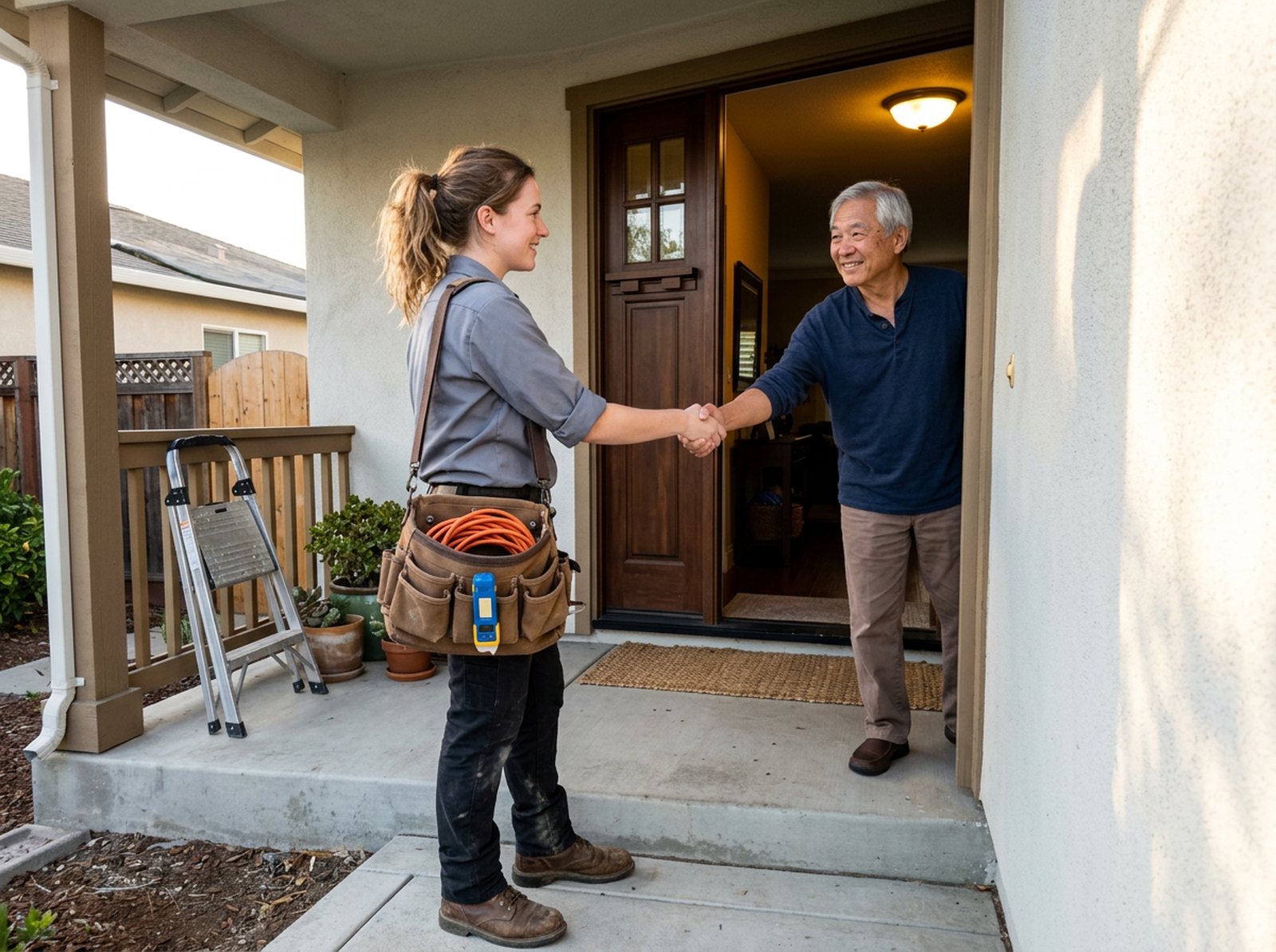
“Service professional” means your field crew. Google’s screening page counts employees, contractors and subcontractors, plus anyone else who works at a customer’s home, business or other property for you. If a sub’s crew walks into a house on your job, plan on them being checked.
For owners and crew, the check covers identity and criminal history, including sex offender, terrorist and sanctions lists in the US. For the company, it looks at civil court history like judgments and liens. It won’t touch your credit. Google says there’s no credit check or credit pull.
If you already pay a background check company to screen your techs, you can ask Google for background check equivalency. Your process has to meet Google’s standards. Ask your Local Services onboarding contact, or if you don’t have one, ask Local Services support for it by name. If it’s approved, those techs can take Local Services leads without a second check, per Google’s How providers qualify page.
How to get Google Verified, step by step
Most of the work is paperwork, and names that don’t match are the easiest way to stall. Here’s the order we’d go in.

Step 1: Get your Business Profile in order
You need a public, verified Google Business Profile to run these ads. That’s on Google’s US requirements page. The catch, from its screening page: the person doing the Local Services checks must also be an owner or manager on that profile. If your nephew set up the profile years ago and still owns it, fix that first. Our Google Business Profile setup guide shows how to claim it and add yourself.
Step 2: Gather your papers before you sign up
- Proof of business registration, if Google asks. It only runs this check for some trades and some businesses in the US. It uses your D-U-N-S number from Dun & Bradstreet, and a new one can take up to 30 days. Can’t get one? Google takes your Secretary of State registration, your EIN from the IRS or your state Department of Revenue registration instead.
- A clear, unexpired government-issued photo ID, like a driver’s license, for the person who represents the business. Google’s partner Evident runs that identity check.
- Your certificate of insurance. The minimum depends on your trade and where you work.
- Your state business and owner licenses. Work in more than one state or licensing area? Google wants business and employee licenses for each location.
- A list of your field crew, if your trade needs service professional checks.
Then line them up side by side. Google wants the representative’s full name and the legal business name to be “an exact match across all submitted documents.” If your insurance says “Smith Plumbing” and your license says “Smith Plumbing & Heating LLC,” sort it out before you upload.
Step 3: Sign up and check that your trade is offered
Start at Google’s Local Services Ads sign up page and enter your trade and service area. Google’s getting started page says these ads only run for certain categories. If yours isn’t offered where you work, you can’t get the badge there.
Step 4: Upload your papers and get everyone through the background check
Upload your ID, insurance and licenses in your Local Services account. Google’s background check partner then asks each person on your list to review some disclosures and agree before it runs their check. It won’t check anyone who hasn’t agreed.
One tech who ignores that request can hold up your approval. Tell the crew it’s coming, and check in every couple of days.
Step 5: Set billing and a budget
Billing runs through Google Ads. Once you pass Google’s first checks, you may be able to run pre-badge ads while the rest finishes. Google’s getting started page says you’ll need:
- Your license, or business registration if you don’t need a license
- A confirmation that you hold every license you need
- Reviews, based on your category’s rules
- Billing and a budget
Those ads show below verified shops. Locksmiths and garage door pros can’t use them.
Step 6: Wait, then keep it current
Google’s requirements page puts the average at 3 to 4 weeks after you submit your documents.
Some US shops get accelerated verification. Google picks who gets it after an early review. If you get it, the badge shows up fast, and then you have 14 days to finish the rest or your ads stop running.
After that, Google keeps checking. Skip a follow-up review it asks for and you could lose the badge, have your ads paused or get your account suspended. Put your insurance and license renewal dates on the calendar so your papers are current whenever Google asks.
Why verification stalls, and what happens if you fail
Running past 4 weeks? Check this list first. Most of it is a quick fix. Failing a background check is a different story, and it comes with waiting periods you should know about up front.

| Why it’s stuck | What to do |
|---|---|
| Names don’t match across your ID, license, insurance and registration | First make the name in your Local Services account match your legal name exactly. If a document itself is wrong, ask the insurer or state to reissue it |
| The person signed in isn’t an owner or manager on the Business Profile | Request access to the Business Profile, or have the current owner add you |
| Business Profile step still shows as not done | Google says it can take up to 24 hours to update, so give it a day |
| Waiting on a D-U-N-S number | Check whether you already have one. If you can’t get one, Google lets you send Secretary of State, EIN or Department of Revenue papers |
| Your license doesn’t match the state database, or shows a different name or an expired date | Google checks licenses against state databases. Look yourself up on the state board site and fix it there first |
| Your insurance is below the minimum for your trade | Ask Google what minimum your trade and area need (through your account or support), then have your agent issue a certificate that meets it |
| One crew member hasn’t finished the background check | Chase them, or take them off the roster if they no longer work for you |
| You work in two states but only sent one license | Upload licenses for each location you serve |
If a background check fails, the business isn’t eligible, per Google’s screening page. Think it’s wrong? Contact the background check partner. They can fix errors. Google says results stay “strictly confidential between the business and background check partner,” so the partner is who you deal with, not Google.
If the final answer is still no, you wait another 30 days to reapply. Get denied a second time and every wait after that is 180 days. Don’t fire off a second application on a hunch. Fix the problem first.
What if just one tech fails? Google’s page doesn’t spell that out. Its rule is written about the business. Dispute any errors with the partner. If the result stands, ask Local Services support whether taking that person off your roster clears it. Don’t send that tech out on LSA jobs until you hear back.
Passing once isn’t the end. Google re-evaluates advertisers and may ask you to repeat a check. Treat it like your license. Keep it current and answer when they ask.
Is Google Verified worth it for a contractor?
For most trades with an emergency side, yes, get verified now. It takes 3 to 4 weeks on average, so you want it done before your busy season, not during it. Whether you then spend real money on Local Services Ads comes down to one number: what a lead turns into.
The badge lives on your Local Services ad, so you’ll set up billing and a budget either way. You only pay for leads, and you can pause from the Local Services Ads inbox. Just know the badge shows on your ad profile. Google says it may show in other places too, but with ads paused, few people will see it.
A burst pipe or a dead furnace is a “call someone now” search, and these ads sit right where that homeowner is looking. That’s why we’d lean in for HVAC, plumbing, electrical and water damage. We compare LSA with other HVAC lead sources in our guide to getting HVAC leads.
The math, as an example calculation. Swap in your own numbers:
- Cost per lead: $80
- You book 1 in 4 leads, so each job costs $320 in ads
- Average job: $1,200, with about 40% left after labor and parts (before overhead), or $480
- Result: $160 per job toward overhead and profit after the ad cost
That works. Drop the booking rate to 1 in 8 and each job costs $640, more than the $480 you keep. Same ads, same badge, and now you lose money on every job. That’s why we tell owners to fix how calls get answered before they raise the budget.
The badge gets you into the list. Your phones decide whether the list pays.
We’d go slower with LSA if you do mostly big planned jobs, like full remodels, where people take weeks to decide. Those buyers read reviews and look at your website first.
Every LSA lead is rented. Stop paying and the phone stops. A strong Business Profile, steady reviews and service pages that rank on their own keep the calls coming either way. We lay out that trade-off in our post on renting leads versus owning them.
Stop saying Google Guaranteed, and watch out for these calls
If your truck wrap, website or estimate still says “Google Guaranteed,” it’s out of date. Worse, it hints at a refund Google no longer offers. And if someone calls offering to get you “guaranteed” for a fee, hang up.
Check these spots for old badge talk:
- Your home page, footer and “why choose us” section
- Truck wraps, yard signs and door hangers you’re about to reorder
- Estimate and proposal templates
- Email signatures and social media bios
- What your CSRs say on the phone
If you want to promise homeowners something, make it your own. “We stand behind our work for one year” is something you control. Just be clear it comes from your company, not from Google.
About those sales calls. Google’s page on fraudulent calls says it will “never ask you for payment information over the phone or guarantee you a special spot in our products.” Its Business Profile safety page adds that Google won’t try to get you to pay to keep or verify your Business Profile. That’s your free listing, not the ad badge, but the lesson carries over.
Red flags, based on Google’s wording and how the badge works:
- They ask for payment info over the phone.
- They promise a special spot or top placement.
- They say you have to pay to keep or verify your Business Profile.
- They offer to sell you the badge.
An agency can fairly charge to manage your ads. That’s real work. But nobody can sell you the badge itself. If a caller says otherwise, hang up and log in to your own Local Services account to see where you stand.
Google Guaranteed FAQ
Is Google Guaranteed still a thing?
No. Google announced on August 20, 2025 that Google Verified would replace Google Guaranteed, Google Screened, License Verified by Google and the Money Back Guarantee, starting in October 2025. Businesses that had already passed their checks got the new badge on their own. What’s gone for good is the refund homeowners could claim through Google.
How much does Google Guaranteed cost now?
There’s no separate price for the badge, and Google says businesses aren’t charged for the background check. You pay for Local Services Ads leads instead. Each valid lead is charged, and the price depends on your location, the job type, the type of lead and your bidding mode. Missed calls during business hours count if the caller stays on the line over 20 seconds.
How long does it take to get Google Verified?
Google says screening and verification take 3 to 4 weeks on average after you submit your documents. It can take longer if names don’t match across your papers, if you’re waiting on a D-U-N-S number, or if someone on your crew hasn’t finished a background check. Some US businesses qualify for accelerated verification and get the badge quickly, then have 14 days to finish the rest.
What was the difference between Google Guaranteed and Google Screened?
Google Guaranteed went to home service pros like plumbers and electricians, and it came with Google’s Money Back Guarantee for customers. Google Screened went to professional services, such as real estate agents, with no refund. Both were retired in October 2025. Everyone who passes the checks now gets the same Google Verified badge.
Does the Google Verified badge help my ranking?
Not by itself. Google said the switch itself wouldn’t change how Local Services Ads rank. But the checks you’ve passed count toward profile quality, along with your stars, review count, response time and photos. Google says better profiles may rank higher and may also pay lower costs per lead. Pre-badge ads show below fully verified shops.
Can I still say Google Guaranteed on my website?
We wouldn’t. The badge and its refund are gone, so the wording is out of date and hints at a refund Google no longer offers. Update your site, estimates and truck graphics. If you want to promise homeowners something, back your work with your own written warranty and make it clear the promise comes from your company.
What to do this week
You can start all of this in an afternoon. Some of it, like a D-U-N-S number, takes longer, so start that first:
- If your trade’s row lists a registration check, look up your D-U-N-S number or start the request.
- Open your Business Profile and confirm you’re listed as an owner or manager.
- Pull your license, insurance certificate and business registration. Check that the names match letter for letter.
- Find your trade in the table above and tell your crew a background check request is coming.
- Search your website and estimates for “Google Guaranteed” and swap in accurate wording.
- Start a steady review habit. Our free review link generator makes a link and QR code you can text after every job.
Not sure if your Business Profile is ready for any of this? We’ll look at it for free. D&J is a Google Partner, and our free local SEO audit checks your profile, reviews and local rankings, then tells you what to fix first.


