
You’re on a roof, under a sink or in a crawlspace when the phone rings. If nobody picks up, that caller is dialing the next contractor before you’ve wiped your hands. An answering service exists to catch that call.
Below we price an answering service for contractors four ways, using real published rates: one vendor for each way of billing, plus an in-house hire. Then we give you intake scripts by trade and eight test calls to run before you trust anyone with your phones. Full disclosure: we sell an AI receptionist (Restoral), and we still show you the others.
The short answer: for most trade shops, an AI receptionist should catch overflow and after-hours calls, book routine jobs and hand emergencies to your on-call tech right away. A live service or your own office should handle angry customers and complex projects. Of the plans we priced, AI started at $79 a month and live agents at $250, while a full-time hire runs over $3,000 a month before taxes.
Key takeaways
- Answering services bill by the minute, by the call or by the unique caller, and that unit decides your bill. The three kinds
- Google says missed calls may hurt your Local Services Ads responsiveness, so missed calls may push your ads lower. Why missed calls cost more
- In our example HVAC shop with 120 overflow calls a month, published prices came to about $87 to $129 for AI, $1,125 for a per-call live service and $1,725 for the per-minute plan that clearly covers it. The cost math
- Let AI catch overflow and after-hours calls, and keep a person on angry or complicated ones. AI vs live
- Every trade needs its own intake questions and a hard handoff rule for leaks, gas, CO alarms, sparks and water losses. Scripts by trade
- Check spam billing, overage, contract term, add-ons and recording consent before you sign. Fine print
- Make eight test calls yourself, and don’t go live until the emergency call passes. Test calls
The three kinds of answering service for contractors
There are three ways to get your calls answered when you can’t pick up. A live service that bills by the minute, a live service that bills by the call, or an AI receptionist, which often bills by the caller (Goodcall does).
Live, per minute. A real person at a call center answers in your company name, follows your script and sends you the details. Ruby is one example. Its pricing page sells blocks of receptionist minutes, starting at 50 minutes for $250 a month. Long calls eat the block fast.
Live, per call. Same idea, but you pay for each call instead of each minute. Smith.ai’s human-first plans on its pricing page start at 30 calls for $300 a month, with $11.50 for every call over that. A 10-minute call about a kitchen remodel costs the same as a 1-minute call about a dripping faucet.
AI receptionist, per caller. Software answers, talks with the caller, asks your questions and, if it’s hooked to your calendar, books the job. Goodcall’s pricing page starts at $79 a month for 100 unique customers and says “We never meter minutes.” Caller number 101 costs 79 cents.
| Type | You pay for | Who answers | Can it book jobs? |
|---|---|---|---|
| Live, per minute | Minutes on the phone | A trained agent | Sometimes, if they get calendar access |
| Live, per call | Each answered call | A trained agent | Sometimes, depends on plan and setup |
| AI receptionist | Each unique caller (varies by vendor) | Software | Usually, once connected. Check the plan (Goodcall Starter doesn’t list booking) |
| In-house hire | Hourly wage plus taxes | Your own person | Yes, during their shift |
Why a missed call costs a contractor more
A homeowner with water on the floor or a dead furnace isn’t waiting for a callback tomorrow. They hang up, tap the next listing and hire whoever answers.

Planned work isn’t safe either. A homeowner getting three roofing quotes calls the next name on the list when you don’t answer.
If you run Local Services Ads, there’s a second cost. Google’s help page on ad rankings lists “your responsiveness to customer inquiries and requests” as a ranking factor and says: “Missed calls may negatively affect your responsiveness.” It also counts average response time under profile quality. So a missed call can lose you that job and may count against your responsiveness, which Google uses to rank your ads.
Google’s page doesn’t say how it treats a call answered by a service or an AI, so watch your LSA dashboard after you switch. We cover the rest of that in our guide to how Local Services Ads rank and charge.
Here’s a quick way to put a number on it. This is an example calculation, so swap in your own figures. Or run your own numbers in our missed call revenue calculator.
- Say you’re a plumber with an average ticket of $450.
- Your call log shows 20 missed calls last month from numbers that never called back.
- If half of those were real jobs and you’d have booked half of those, that’s 5 jobs.
- 5 jobs at $450 is $2,250 in one month, before any repeat work or reviews.
Pull your own call log before you shop. Most call tracking tools, and many VoIP systems, can show missed calls by hour. The hours where calls go unanswered tell you what coverage you need: lunch and job-site hours, evenings, or 2 a.m. emergencies.
What an answering service really costs: one shop, four ways
Prices on answering pages are hard to compare because every vendor counts something different. So we ran one example shop through four options, using the prices each one publishes. We checked every price on November 1, 2026. Prices change, so check them again before you buy.
Here’s the example shop. It’s an HVAC company where the office answers during the day. The service only gets overflow and after-hours calls:
- 120 calls a month go to the service.
- The average call runs 2.5 minutes, so that’s 300 minutes.
- About 110 of those callers are different people (some call twice).
Now the four ways to cover them.
In-house hire. The Bureau of Labor Statistics puts the median pay for receptionists at $18.27 an hour. At 40 hours a week, that’s about $3,167 a month before payroll taxes, benefits or overtime. And it only covers business hours, which is when this shop already has someone answering.
Live, per minute (Ruby). 300 minutes is more than the 200-minute plan ($720) covers. Ruby’s page doesn’t list an overage rate, so the plan that clearly covers it is 500 minutes for $1,725. Ask Ruby what overage costs. The 200-minute plan plus overage could come out cheaper.
Live, per call (Smith.ai). The 90-call plan is $810, plus 30 extra calls at $10.50 each ($315). That’s $1,125 a month.
AI receptionist (Goodcall). The Starter plan is $79 for 100 unique customers, plus 10 more at 79 cents ($7.90). That’s about $87 a month. But Starter allows one connected tool and doesn’t list booking or live transfers as features. The setup this page recommends may need the Growth plan at $129 or higher, so confirm before you compare.
| Option | How it’s billed | Example monthly cost | Hours covered |
|---|---|---|---|
| In-house receptionist (for comparison) | $18.27/hour median wage | About $3,167 plus taxes and benefits | Business hours only, so it doesn’t cover this shop’s overflow and after-hours need |
| Live, per minute (Ruby) | Blocks of minutes | $1,725 (500-minute plan) | 24/7 |
| Live, per call (Smith.ai) | Per call, overage per call | $1,125 | 24/7 |
| AI receptionist (Goodcall) | Per unique caller | About $87 on Starter, $129+ if you need Growth | Always on (confirm with the vendor) |

The AI line is cheap because no call center is writing your questions, setting your rules or testing the thing. On most self-serve plans, that’s your job. Set it up badly and it’s a cheap way to annoy customers.
AI receptionist vs live answering: where each wins
| Situation | Better fit | Why |
|---|---|---|
| Hail storm, 40 calls in an hour | AI receptionist | Many AI systems answer several calls at once (ask the vendor how many). Every billing model spikes, so check overage |
| 2 a.m. burst pipe or no heat | Either, with a hard handoff rule | The caller needs a tech fast, not a message |
| Angry customer about a callback | Live agent | A person can calm someone down and read the room |
| 15-minute kitchen remodel call | Live agent, your office, or AI set to book a consult | Long project calls need a person or a booked consult, and per-minute billing punishes them |
| Spanish-speaking callers | Check the plan | Ruby says Spanish and bilingual handling is available and also lists it as an optional feature; Smith.ai sells a Spanish line as an add-on. Ask the price, and test AI in Spanish |
| Booking straight onto your calendar | AI connected to your calendar or CRM | Some live services charge extra for it |
| Sales calls and robocalls | Either, if spam is filtered | Make sure you don’t pay for junk |
Smith.ai’s pricing page lists appointment scheduling as an add-on at $1.50 per call. Ruby lists scheduling as a plan feature, so confirm whether your setup costs extra. Read the add-on list, not just the headline price.
For most trade shops, AI should catch the overflow and after-hours calls, and a person should own anything heated or complicated. That person can be you, your office manager or a live service. The AI’s job is to answer every call, get the basics, book what it can and hand off the rest fast.
Where AI still slips: heavy accents on a bad cell connection, callers who ramble, and questions your rules don’t cover. Test for those. The eight test calls below will find the gaps before a customer does.
Intake questions and emergency rules by trade
Whatever you pick, the questions it asks decide whether you get a booked job or a useless message. “John called, call him back” is not intake. Here’s what we’d load in for each trade, plus when the call has to reach a real person right now.
Every script starts with the same four: name, callback number, service address, and how they found you. Then the trade questions.
Plumbing
- Is water leaking right now? Is it coming from a pipe, a fixture or the water heater?
- Do you know where your main water shutoff is?
- Is it one fixture or the whole house (slow drains everywhere, no water at all)?
- Do you rent or own? If you rent, is the landlord okay with the repair?
Handoff rule: active leak or sewage backing up goes straight to the on-call plumber by warm transfer or text. A gas smell near a water heater gets the same gas rule as HVAC below. Everything else gets booked. If you buy plumbing leads, a missed emergency means you paid for that call and still lost the job.
HVAC
- Is a carbon monoxide alarm going off, or does anyone feel dizzy, sick or headachy?
- Is it no heat, no cooling, or not working well?
- What does the thermostat say, and is the system making any noise?
- How old is the system, roughly?
- Is anyone in the home elderly, very young or medically fragile?
Handoff rule: a caller who smells gas is never troubleshooting with your answering service. Our script: get off the phone, leave the building, then call the gas company or 911 from outside. Connecticut’s utility regulator tells people to “go to a phone that is not near the smell and call your local gas company right away” and to avoid light switches and other sparks.
That page says to leave first if the smell is strong or you’re unsure. We script leave-first for every gas call, because nobody on the phone can judge how strong the smell is. Then the service alerts the on-call tech.
For a CO alarm, check your local fire department’s guidance. The Madison Fire Department says that if anyone has symptoms, “immediately evacuate the household to a safe location and call 911.”
If no one has symptoms, the same page says to “turn off any gas appliances or equipment and open doors and windows,” then get the system inspected. Any CO alarm call alerts the on-call tech now, even with no symptoms. No heat in winter with vulnerable people in the home goes to the front of the line. If you pay for HVAC leads, a botched gas call is the most expensive kind to lose.
Roofing
- Is water coming inside right now?
- Was this from a recent storm? Have you filed an insurance claim yet?
- Who’s your insurance carrier, and has an adjuster been out?
- One story or two? Can you send photos by text?
Handoff rule: active leaks get a same-day tarp slot if you offer one. After a storm, the goal is booking inspections, not long conversations.
Electrical
- Is there a burning smell, sparking, smoke or a hot outlet or panel?
- Is the power out in the whole house or just part of it?
- Have you checked the breaker? Did it trip again right away?
Handoff rule: if there’s smoke or fire, tell them to get out and call 911, then alert your on-call electrician. Sparking, a burning smell or a hot panel goes to the on-call electrician now, and the caller is told not to touch the panel. For whole-house outages, tell the caller to check with the power company first, then book.
Restoration
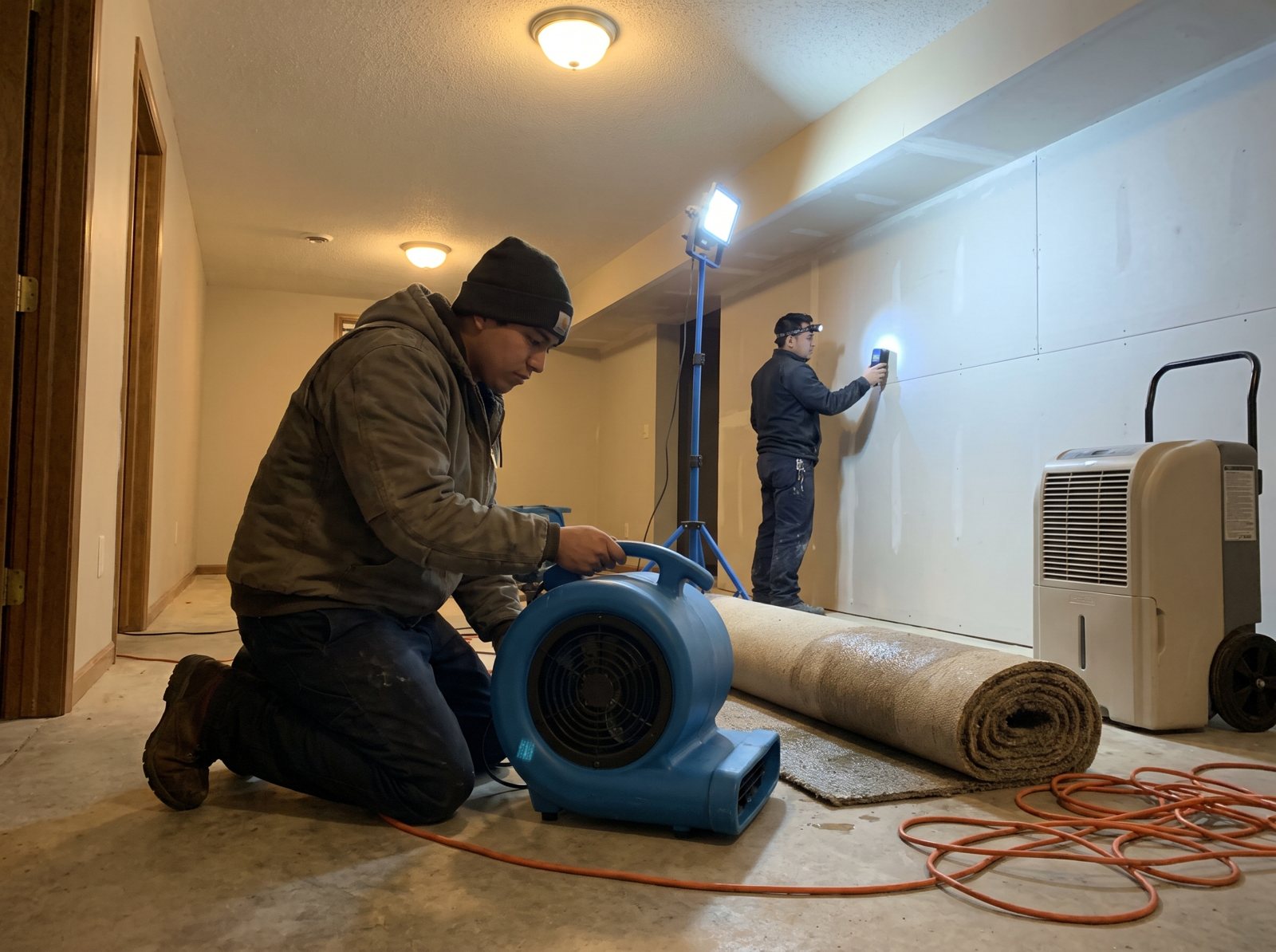
- What’s wet, and is the water still running?
- Where did it come from (pipe, appliance, roof, outside flooding)?
- How long has it been wet?
- Have you called your insurance company? Who’s the carrier?
Handoff rule: every active water loss goes to the on-call crew lead now, day or night. We’ve worked with 30+ SERVPRO franchises, and this is the first rule we’d set for any restoration shop. It’s also the call we built Restoral around. More on that in our guide to water damage leads. The full restoration call script and escalation ladder has its own page.
Remodeling
- What room or project, and what’s the rough budget range?
- When do you want it done?
- Do you have drawings, or are you starting from scratch?
Handoff rule: none, usually. The goal is booking a consult, not quoting over the phone.
Fine print to check before you sign
Ask these on the sales call, and get the answers in writing.
- What’s the billing unit? Minutes, calls or unique callers. Run last month’s call log through each one. A shop with lots of short calls and one with long remodel calls get very different bills.
- Do you pay for spam? Smith.ai’s pricing page says “No charge for spam,” as long as your forwarded line passes Caller ID, per its FAQ. Goodcall’s says “Spam and wrong numbers don’t count at all.” Ruby lists robocall filtering. Ask anyone else how they count junk calls and wrong numbers.
- What does overage cost? Smith.ai publishes it ($10.50 per call on its Basic plan, $11.50 on Starter). If a vendor doesn’t publish it, get it in writing.
- Is it month to month? Smith.ai says it’s “a month-to-month service.” Don’t sign a 12-month term for a service you haven’t tested.
- Setup fees? Ruby’s page says there are no fees for activation, onboarding, setup or customization. Others may charge, so ask.
- What do add-ons cost? Scheduling, a Spanish line and extra transfer numbers are often extras.
- Are transfers billed? Smith.ai includes 1 free transfer destination on Starter, 2 on Basic and 10 on Pro. Ask anyone else whether a warm transfer to your on-call tech costs extra minutes or another call.
- Does your field service software sell its own? Housecall Pro, for one, covers its own AI receptionist, CSR AI, in its answering service guide. Put it through the same test calls as everyone else.
- Who owns the call recordings and notes? You want them, and you want them exported if you leave.
- Is recording legal where you work? The Digital Media Law Project notes that each state sets “its own rule on how many parties need to consent to the recording of a phone call.” Ask whether the service can play a recording notice in your greeting. Check your state’s rule, and the caller’s state if you take out-of-state calls.
- Will the AI call people back? Outbound calls are where AI can get you in legal trouble. In early 2024 the FCC confirmed that AI-generated voices count as “artificial” under the TCPA, per this Cooley summary. Those calls generally need the person’s prior express consent unless an exemption applies. Talk to your attorney before you turn on any AI outbound calls, and before automated texts, which have their own consent rules.
Eight test calls to make before you sign
Don’t trust a demo. A demo is the vendor’s best call on their best day. Call the service yourself, pretending to be your own customers, before you forward a single real call.
Use a phone the service has never seen. Have someone else in the shop make half the calls, so you hear different voices. Then score each call.
| Test call | What good looks like |
|---|---|
| 1. Normal repair request at 10 a.m. | Gets all intake answers, books a slot or tells you when |
| 2. Emergency at 2 a.m. (leak, no heat, water loss) | Follows your handoff rule within minutes, not a message for the morning |
| 3. Caller who smells gas or sees sparks | Gives the safety advice you loaded, then alerts you |
| 4. Angry customer about a late tech | Stays calm, doesn’t argue or promise refunds, flags it to you |
| 5. Price shopper: “How much for a water heater?” | Uses your answer (a range, or “we quote on site”), then tries to book |
| 6. Caller who rambles and changes topics | Pulls it back to the questions without being rude |
| 7. Spanish-speaking caller (if you serve one) | Handles it or routes it the way you set |
| 8. Robocall or sales pitch | Ends it fast, and you don’t get billed for it |
After each call, check three things: the message or booking you got, how long it took to reach you, and whether the caller info was right. A wrong phone number in the notes is a failed call, no matter how nice the voice sounded.
If a service fails two or more of these, fix the script and test again. If it fails the emergency or safety call, don’t go live until it passes.
How to roll it out, and where Restoral fits
Whatever service you pick, roll it out in steps. Don’t flip every call to it on day one.
- Set up forwarding. Most business phone systems and carriers let you forward calls when you’re busy, when nobody answers after a set number of rings, or after hours. You keep your number. Ask your carrier or VoIP provider for the exact settings.
- Write the escalation chain. Who gets the emergency call first, who’s second if they don’t pick up in a few minutes, and when the owner gets woken up. The service needs all three numbers.
- Set the fallback. When the AI or agent can’t understand a caller (bad connection, heavy background noise), it should take a callback number and text it to you, not just hang up.
- Run the eight test calls above, then go live on after-hours calls first.
- Review the notes every week and fix the questions it got wrong.
Whoever you hire, ask for three numbers every week: calls answered out of calls received, jobs booked and from which hours, and emergency handoffs with how fast they reached your tech. If a service can’t give you those, you can’t tell if it’s working.
Restoral is our own AI front office, and right now it’s built for restoration companies. It answers calls and chats, and it books jobs onto your calendar. It works with Google Calendar, Calendly, Cal.com, Jobber and most trade CRMs, and our team sets up the integration.
We also run the ads and SEO that make these phones ring, as a Google Partner, Meta Business Partner and Yelp Partner. Talk to us for a Restoral quote.
What we’d do at three shop sizes
Solo owner or one truck. You’re the office. Put an AI receptionist on every call that rings past four or five rings, and on all after-hours calls. Keep the handoff list short: true emergencies text you, everything else gets booked or noted. Your first job is making sure no call goes to a full voicemail box again.
5 to 15 techs with an office. The office answers first during the day. AI or a per-call live service catches overflow at lunch, during busy mornings and after hours. The on-call tech gets emergency handoffs by text and warm transfer. Check that the service books into the same calendar or CRM the office uses, so nobody double books.
Multi-crew, storm or restoration work. Call spikes are your normal. AI answers first after hours and during storms because it can usually take several calls at once (confirm the limit). A live person, yours or a service’s, handles upset customers and insurance questions. Water losses and active leaks go to the crew lead no matter what. If you’re also buying leads from several places, our guide on where contractor leads come from shows which sources need the fastest answer.
Answering service FAQ
How much does an answering service for contractors cost?
It depends on the billing unit. On November 1, 2026, Ruby’s live plans started at $250 for 50 minutes, Smith.ai’s human-first plans at $300 for 30 calls, and Goodcall’s AI plan at $79 for 100 unique customers. Run your own call log through each one before you pick.
Is an AI receptionist good enough for emergency calls?
It can be, if the rules are right. The AI shouldn’t try to fix the emergency. Its job is to spot it from the caller’s answers, give any safety advice you loaded in, and get the call to your on-call tech within minutes. Test that exact call before you go live.
Will callers know they’re talking to AI?
Many will, and that’s fine. In our view, a caller with a leak cares more about a fast answer and a time slot than about who picks up. We’d rather the greeting be honest than have a caller feel tricked. If someone asks for a person, your rules should send them to one or book a callback.
Can an answering service book jobs into Jobber or my calendar?
Some can. AI receptionists usually book directly once they’re connected. Live services vary: Ruby lists scheduling as both a feature and an option, so ask if it costs extra. Smith.ai sells scheduling as an add-on and names Calendly, Acuity, Appointy and Harmonizely. Jobber isn’t on that list, so ask. Restoral books jobs onto your calendar, works with Jobber and most trade CRMs, and our team sets up the integration.
Do I need a service if I already have voicemail?
Voicemail only works for callers willing to wait, and emergency callers usually aren’t. If you run Local Services Ads, Google also says missed calls may hurt your responsiveness. Check your call log for calls that never left a message. Those are the jobs voicemail is losing.
Is it legal to record the calls?
It depends on the state. Each state sets its own rule on how many people on a call must agree to recording. Ask whether the service can play a recording notice in your greeting, and check your state’s rule and the caller’s. Outbound AI calls are a different matter under federal rules, so check with your attorney first.
What to do this week
You don’t need to pick a vendor today. You need to know how many calls you’re losing and when.
- Pull last month’s call log from your phone carrier or call tracking. Count missed calls by hour of day and day of week.
- Count the ones that never called back or left a message. That’s your real leak.
- Write your intake questions and handoff rules using the trade lists above.
- Run the eight test calls on one AI option and one live option. Score them.
- Turn it on for after-hours calls first. Add daytime overflow once the notes look right.
Fix the phones before you spend more on ads. A website built for calls only pays off if someone picks up. Want to see where your calls come from first? Grab a free local SEO audit, or ask us about Restoral for a quote.


